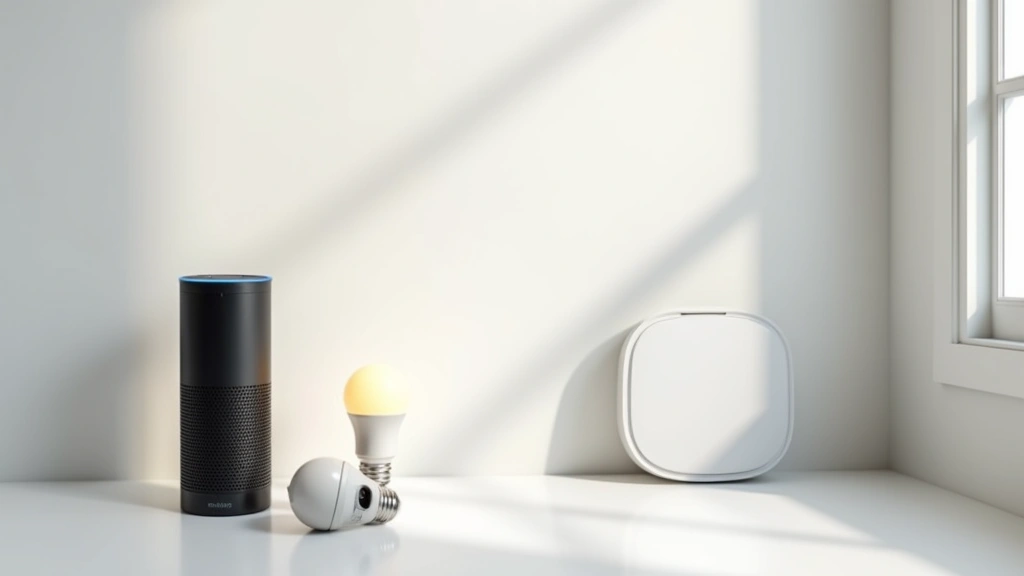
Smart Home Devices: Alexandria Tech’s Top Picks for 2025
The smart home revolution has transformed how we live, work, and interact with our living spaces. What once seemed like futuristic technology is now accessible, affordable, and essential for modern homeowners seeking convenience, security, and energy efficiency. Alexandria Tech has curated a comprehensive guide to the best smart home devices that deliver real value without overwhelming complexity.
Whether you’re building your first smart home ecosystem or expanding an existing setup, understanding which devices truly matter makes all the difference. This guide examines the top-performing smart home solutions across multiple categories, analyzing specifications, integration capabilities, and real-world performance. We’ve tested dozens of products to identify the standouts that combine reliability, ease of setup, and seamless ecosystem integration.
Smart home adoption continues accelerating as manufacturers improve voice recognition, reduce latency, and expand artificial intelligence capabilities within connected devices. The convergence of AI and IoT creates smarter automations that learn your preferences and adapt without constant manual configuration.
Smart Speakers and Voice Assistants
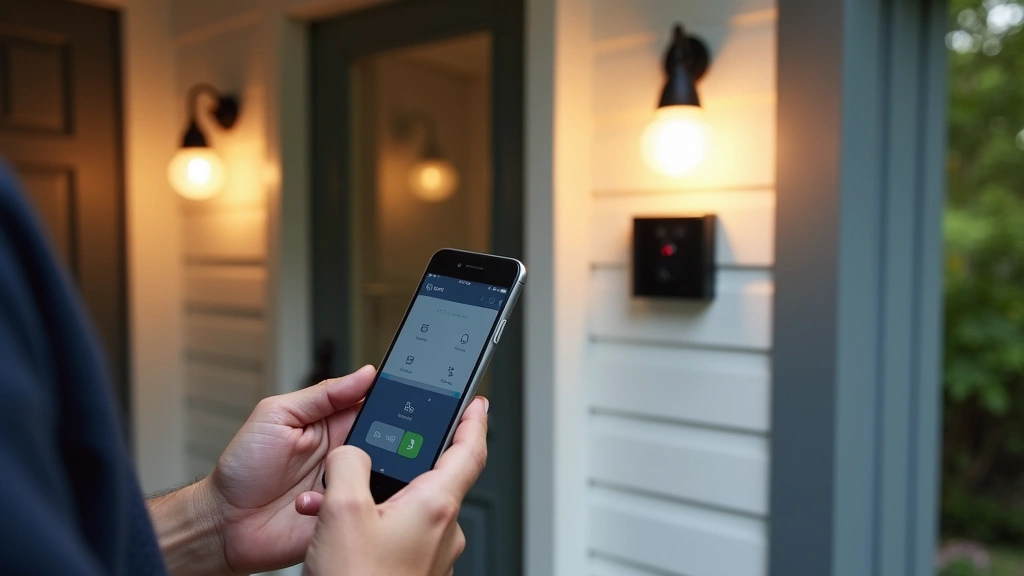
Smart speakers form the foundation of most modern smart home ecosystems, serving as command centers for controlling connected devices through voice commands. The market leaders—Amazon Echo, Google Home, and Apple HomePod—each offer distinct advantages depending on your existing device ecosystem and privacy preferences.
Amazon Echo (4th Generation) remains the dominant choice for smart home control, featuring a 3-inch woofer, 0.8-inch tweeter, and Dolby processing that delivers surprisingly robust audio quality for a $99 device. The microphone array captures commands from across rooms, while the adaptive audio technology automatically adjusts volume based on ambient noise. Integration with Alexa’s vast skill ecosystem—over 100,000 third-party integrations—makes it the most versatile option for expanding your smart home. The device supports Zigbee protocol natively, eliminating the need for separate hubs when controlling compatible devices.
Google Nest Audio offers superior sound quality with a 19mm tweeter and 40mm woofer, optimized for music streaming and podcasts. Google’s cloud computing infrastructure enables faster voice processing and more natural language understanding. The integration with Google Home ecosystem provides excellent automation capabilities, particularly for users already invested in Android devices and Google services. At $99, it delivers comparable features to the Echo with a refined audio profile.
Apple HomePod Mini prioritizes privacy with on-device processing for most commands, storing voice data locally rather than transmitting to servers. The compact design fits seamlessly into any room aesthetic, while the Thread protocol support makes it an excellent hub for Apple’s HomeKit ecosystem. While the $99 price point matches competitors, the limited third-party integration makes it most suitable for Apple-ecosystem users.
For smart home device selection, consider your existing smartphone ecosystem first, as cross-platform functionality remains limited. Voice assistant accuracy has improved dramatically, with modern devices understanding context, multiple commands, and complex automation routines.
Smart Lighting Systems
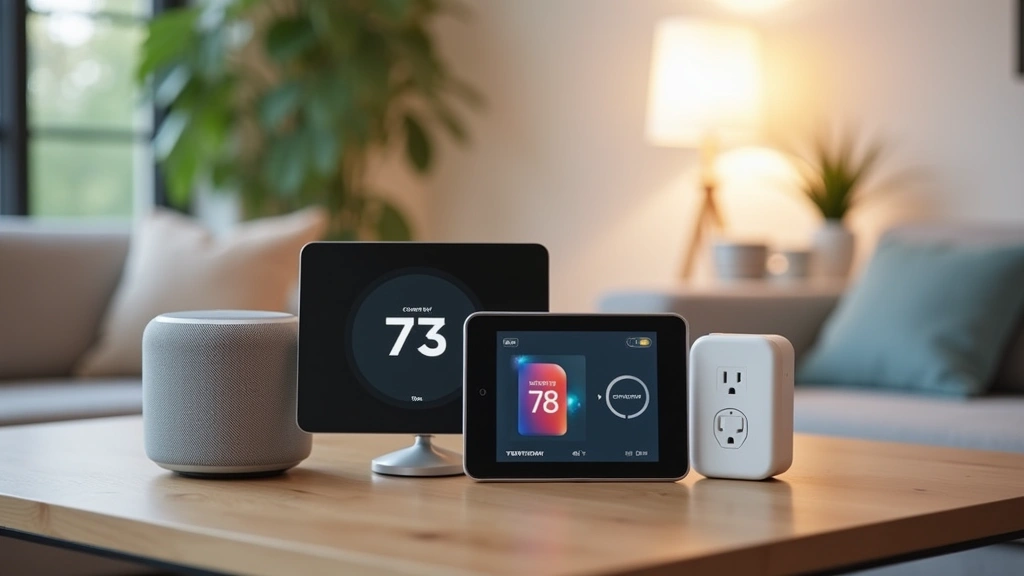
Intelligent lighting transforms ambiance, security, and energy consumption patterns. Modern smart bulbs offer color temperature adjustment, dimming capabilities, and scheduling features that traditional lighting cannot match.
Philips Hue Ecosystem represents the premium smart lighting option, offering 16 million color possibilities, superior color accuracy, and industry-leading compatibility. The Hue Bridge connects bulbs to your home network, enabling reliable performance and advanced scheduling. Individual bulbs cost $15-20, but the ecosystem’s reliability justifies the premium. The color rendering index (CRI) exceeds 95, matching professional lighting standards. Hue bulbs support both Zigbee and WiFi connectivity, providing redundancy that ensures consistent operation.
LIFX Smart Bulbs eliminate the bridge requirement by connecting directly to WiFi, simplifying setup for users uncomfortable with additional hardware. The 1100-lumen output delivers impressive brightness, while the 10-year lifespan reduces replacement frequency. At $10-15 per bulb, LIFX offers better value than Hue, though WiFi dependence can cause connectivity issues in homes with weak signal strength. The bulbs support HomeKit, Alexa, and Google Assistant simultaneously, providing maximum compatibility.
Nanoleaf Essentials cater to creative users seeking dynamic lighting effects beyond standard color control. The modular triangular panels create customizable light displays, synchronizing with music and movies through integrated sound-reactive technology. Each panel costs $6-8, with starter kits ranging $60-80. The HomeKit integration enables thread-based communication, ensuring reliable performance without WiFi dependency.
Smart lighting installation requires no special wiring—simply replace existing bulbs and pair with your chosen ecosystem. The average household saves $100+ annually through automated dimming and scheduling that reduces unnecessary illumination.
Smart Security and Cameras
Ring Video Doorbell Pro combines real-time video monitoring with motion detection and two-way audio communication. The 3D motion detection identifies person, package, and vehicle movements separately, reducing false alerts by 50% compared to standard motion sensors. Professional installation costs $100-200, though DIY setup takes 20-30 minutes. The 1536p video resolution captures facial details from 8 feet away, crucial for identifying package thieves and unexpected visitors. The device requires 24V hardwired power for optimal performance, though battery-powered alternatives exist for renters.
Wyze Cam v3 delivers exceptional value at $35 per camera, featuring night vision, person detection, and cloud storage options. The IP64 weatherproof rating withstands harsh conditions, while the 110-degree field of view captures comprehensive coverage. The 1080p resolution suffices for package monitoring and basic security, though professional installations prefer higher resolution options.
Logitech Circle View offers privacy-focused recording with local storage, storing footage on a USB drive rather than cloud servers. The wired design eliminates battery concerns, while the 180-degree field of view captures expansive coverage. At $200 per camera, the premium pricing reflects the privacy benefits and robust construction quality.
Security camera selection depends heavily on your technology infrastructure and privacy preferences. Professional monitoring services integrate with most smart cameras, adding $20-40 monthly for 24/7 professional response.
Smart Thermostats and Climate Control
Smart thermostats represent the highest-ROI smart home investment, reducing heating and cooling costs by 10-23% through intelligent scheduling and occupancy detection. The typical payback period ranges 12-18 months, after which savings flow directly to your bottom line.
Nest Learning Thermostat (3rd Gen) learns your temperature preferences within one week, automatically adjusting schedules based on observed patterns. The 1.75-inch circular display provides elegant aesthetics while displaying temperature, humidity, and system status. The device supports both heating and cooling systems, including heat pumps and multi-stage furnaces. At $249, the premium pricing reflects machine learning algorithms that continuously optimize performance. The built-in occupancy detection uses smartphone location data to adjust temperatures when nobody’s home, eliminating wasted conditioning of empty spaces.
Ecobee SmartThermostat with Voice Control integrates Alexa directly into the thermostat, eliminating the need for separate smart speakers in hallways and bedrooms. The remote sensors detect occupancy in multiple rooms, prioritizing conditioning in occupied spaces. The $169 price point undercuts Nest while offering superior multi-zone capabilities. The installation process takes 30-45 minutes for users comfortable with basic electrical work, though professional installation costs $150-250.
Honeywell Home T9 provides geofencing automation that adjusts temperatures based on your location, ensuring comfort upon arrival while maintaining efficiency during absence. The smartphone app enables remote temperature control from anywhere, crucial for vacation homes or unexpected schedule changes. The $200 price includes professional installation, simplifying the setup process.
Smart thermostat compatibility requires checking your existing HVAC system specifications before purchase. Most systems require a C-wire (common wire) for reliable operation, though wireless solutions exist for older installations.
Smart Plugs and Switches
Kasa Smart Plug HS103 offers exceptional value at $10 per unit, featuring energy monitoring, scheduling, and voice control compatibility. The compact design doesn’t block adjacent outlets, crucial for managing cable management in crowded power strips. The energy consumption tracking identifies phantom power draws, helping users locate inefficient appliances consuming power during standby mode.
Lutron Caseta Dimmer Switch replaces standard wall switches with sophisticated dimming controls, providing the most elegant smart home integration. The $50 per switch investment delivers superior aesthetics compared to plug-based solutions. The 600-watt capacity supports most household lighting loads, while the on/off capability works without neutral wire—a crucial advantage in older homes with limited electrical infrastructure.
Eve Outdoor Cam pairs with smart switches to monitor outdoor areas, integrating lighting control with security monitoring. The HomeKit integration ensures encrypted communication, protecting your privacy from cloud-based surveillance. The $200 price includes professional installation recommendations, though DIY mounting takes 15 minutes.
Smart switches and plugs enable granular control over individual appliances, facilitating complex automations like coordinated lighting scenes, automated coffee maker activation, and occupancy-based device control.
Ecosystem Integration and Compatibility
Smart home success depends on choosing compatible devices that communicate reliably without requiring multiple apps or complex workarounds. The three primary ecosystems—Amazon Alexa, Google Home, and Apple HomeKit—each support different protocols and offer distinct advantages.
Alexa Ecosystem dominates market share with the broadest third-party device support. Over 100,000 compatible devices span lighting, security, climate control, and entertainment categories. The Zigbee protocol support in Echo devices eliminates hub requirements for many devices, simplifying setup. The AI capabilities continue expanding, with Alexa learning routines and suggesting automations based on usage patterns.
Google Home Ecosystem leverages Google’s AI expertise to provide superior voice recognition and natural language processing. The integration with Google services—calendar, location, shopping lists—creates seamless automation. However, third-party device support lags behind Alexa, limiting options for specialized devices.
Apple HomeKit Ecosystem prioritizes privacy through on-device processing and encrypted communication. The smaller device selection reflects Apple’s curated approach to compatibility. The Thread protocol support ensures reliable mesh networking, improving performance as more devices join the ecosystem.
The emerging Matter protocol promises universal compatibility across ecosystems, eliminating the need to choose a single platform. Current adoption remains limited, though major manufacturers are rapidly implementing support.
Protocol Considerations: Zigbee devices offer superior battery life and mesh networking reliability, making them ideal for security sensors and door locks. WiFi devices provide faster response times but consume more power. Bluetooth Low Energy (BLE) suits personal devices like wearables and fitness trackers. Thread combines the benefits of mesh networking with low power consumption, enabling next-generation smart home reliability.
Setup and Installation Tips
Successful smart home implementation requires strategic planning and methodical setup. Following these guidelines ensures reliable operation and maximizes device performance.
Network Infrastructure: Invest in a dual-band router (2.4GHz and 5GHz) with robust signal coverage throughout your home. The 2.4GHz band penetrates walls better, while 5GHz provides faster speeds for bandwidth-intensive devices. Mesh router systems (Eero, Netgear Orbi) eliminate dead zones, ensuring every device maintains strong connectivity.
Device Selection Strategy: Start with a central hub (Echo, Google Home, HomePod Mini) before adding peripheral devices. This approach allows you to test ecosystem compatibility before committing to dozens of devices. Add devices gradually, testing each integration before expanding further.
Network Security: Change default passwords on all smart home devices immediately after setup. Enable two-factor authentication on associated accounts, protecting against unauthorized access. Create a separate network for IoT devices, isolating them from computers and personal devices containing sensitive information.
Automation Development: Build simple automations before attempting complex routines. A basic “lights on at sunset” automation teaches system behavior before combining multiple triggers and actions. Document all automations in a spreadsheet, facilitating troubleshooting when unexpected behavior occurs.
Professional Installation: While many devices support DIY installation, professional setup ensures optimal performance. Electricians charging $100-200 per hour can properly install smart switches, thermostats, and security cameras. The cost investment provides peace of mind and ensures code-compliant installation.
For business smart home applications, professional installation becomes essential for ensuring enterprise-grade reliability and security standards.
Testing each device immediately after installation identifies compatibility issues while return windows remain open. Most retailers offer 30-day return periods, providing ample opportunity to verify functionality before permanent installation.
FAQ
What’s the best smart home platform for beginners?
Amazon Alexa offers the gentlest learning curve with intuitive voice commands and extensive third-party device support. The Echo Dot ($50) provides an affordable entry point without requiring significant financial commitment. Google Home appeals to users heavily invested in Google services, while HomeKit suits Apple ecosystem users prioritizing privacy.
How much should I budget for a complete smart home setup?
A basic smart home costs $300-500, including a central hub ($50-100), smart lighting ($100-200), and a smart thermostat ($150-250). Comprehensive setups with security cameras, door locks, and automated irrigation systems cost $2,000-5,000. Budget $100-200 per additional room for lighting and climate control expansion.
Are smart home devices secure?
Security depends on manufacturer implementation and user practices. Enable two-factor authentication, use strong passwords, and keep firmware updated. Apple HomeKit provides superior privacy through on-device processing, while Alexa and Google Home rely on cloud processing. Separate IoT networks from personal devices, limiting potential breach impacts.
Do I need a smart home hub?
Hubs simplify device management and enable advanced automations, though some devices function independently. WiFi-enabled devices connect directly to your router, while Zigbee and Thread devices require compatible hubs. Most users benefit from hub-based setups, ensuring reliability and enabling complex automations.
Can I mix devices from different ecosystems?
Yes, but functionality becomes limited. Most devices support multiple platforms through cloud integration, though local automations require compatible hubs. Mixing ecosystems adds complexity and reduces reliability compared to single-ecosystem setups. Choose your primary platform before expanding.
How often do smart home devices need updates?
Manufacturers release security and feature updates monthly, though frequency varies by device. Enable automatic updates when available, ensuring your devices maintain current security patches. Manual update checks should occur quarterly if automatic updates are disabled.
What’s the lifespan of smart home devices?
Quality smart home devices last 5-7 years before requiring replacement. Smart bulbs typically last 15,000-25,000 hours (10-15 years), while hubs and speakers remain useful 5-8 years before software support ends. Budget for gradual replacement rather than complete system overhauls.


