Top Smart Home Devices: Expert Picks for Modern Living
Smart home technology has revolutionized how we interact with our living spaces, transforming ordinary apartments into intelligent ecosystems that respond to our needs. Whether you’re settling into a new place near Georgia Tech or upgrading your current setup, selecting the right smart home devices can dramatically improve your comfort, security, and energy efficiency. This comprehensive guide explores the best smart home devices available today, backed by expert analysis and real-world performance data.
The smart home market has matured significantly, offering solutions that seamlessly integrate with your existing infrastructure without requiring extensive renovations. From voice-activated assistants to intelligent thermostats, these devices work together to create a connected environment that learns your preferences and adapts accordingly. Whether you’re a tech enthusiast or someone looking for practical home automation solutions, understanding the key players and their capabilities is essential for making informed decisions.
Smart Speakers and Voice Assistants
Smart speakers have become the central hub for most smart home setups, providing intuitive voice control and ecosystem integration. The Amazon Echo Dot 5th Generation remains our top recommendation for budget-conscious consumers, offering excellent sound quality and comprehensive Alexa integration at an accessible price point. With over 100,000 compatible smart home devices, Alexa commands a dominant market position that makes device selection and compatibility straightforward.
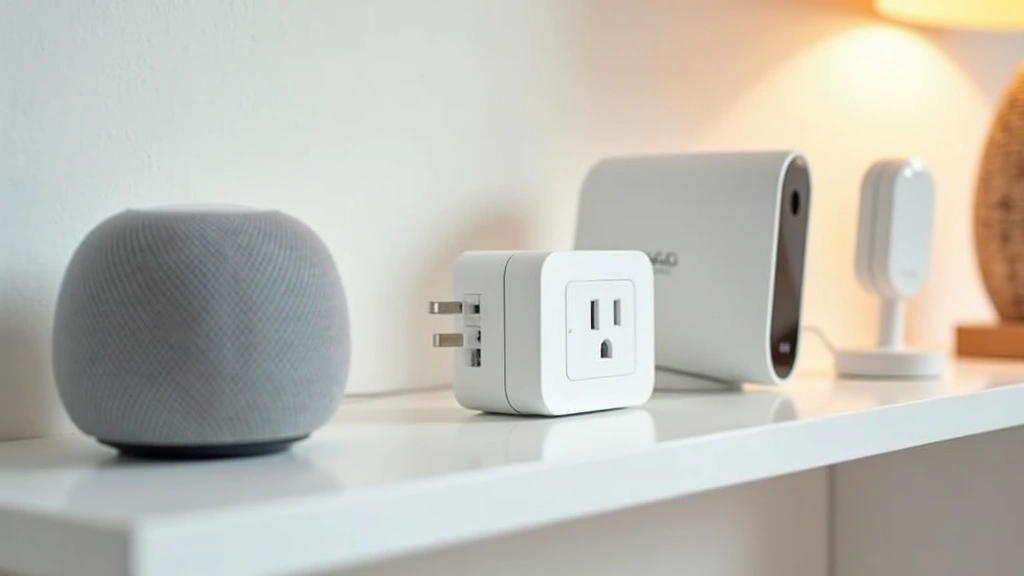
For those prioritizing audio quality, the Apple HomePod Mini delivers superior sound and seamless integration within the Apple ecosystem. Its compact design suits apartment living perfectly, fitting unobtrusively on shelves or nightstands while providing robust Siri voice control. The device excels at privacy protection, processing voice commands locally whenever possible. Google’s Nest Audio offers a balanced alternative, combining Google Assistant’s powerful search capabilities with respectable audio output and competitive pricing.
When selecting a smart speaker, consider your existing device ecosystem. If you own multiple Apple products, HomePod Mini makes sense. Android users benefit from Google Nest Audio’s deep integration with Google services. Amazon Alexa users gain access to the widest third-party device compatibility, making it ideal for those planning extensive smart home expansion. Voice assistant capabilities continue improving, with artificial intelligence applications transforming the future of home automation through more natural language understanding and contextual awareness.
Intelligent Thermostats and Climate Control
Smart thermostats represent one of the highest-ROI smart home investments, with many users reporting 10-15% energy savings annually. The Ecobee SmartThermostat with Voice Control combines learning algorithms with built-in Alexa functionality, eliminating the need for a separate speaker. Its remote sensors detect temperature variations across different rooms, ensuring consistent comfort throughout your apartment. The device learns your schedule and automatically adjusts heating and cooling accordingly, providing substantial energy savings without sacrificing comfort.
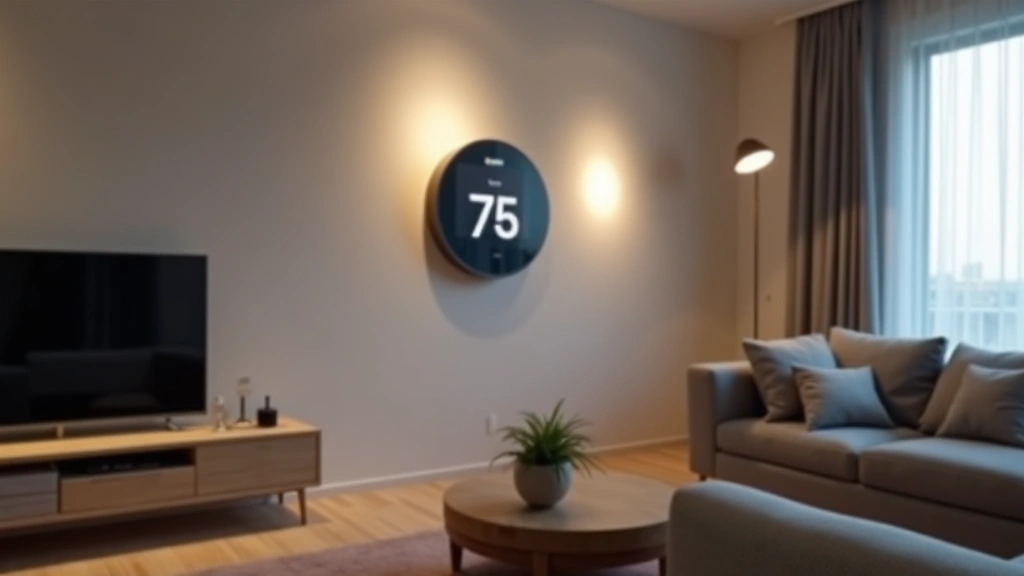
Nest Learning Thermostat from Google offers equally impressive features with superior design aesthetics and intuitive mobile controls. The circular interface provides instant visual feedback, while its machine learning algorithms optimize your heating and cooling patterns over time. Both devices provide detailed energy reports, helping you understand consumption patterns and identify optimization opportunities. For apartments near Georgia Tech or other urban environments, programmable thermostats prove especially valuable during extreme weather seasons when energy costs spike.
Installation in rental apartments requires careful consideration. Many smart thermostats include compatibility with existing HVAC systems, though some older systems may require professional assessment. Always confirm your lease permits thermostat modifications before installation. Several models include easy removal and restoration capabilities, allowing you to reinstall your original thermostat when moving. The combination of comfort optimization and energy tracking makes smart thermostats essential for environmentally conscious renters seeking to reduce their carbon footprint.
Smart Security Systems
Home security represents a critical smart home category, with options ranging from simple video doorbells to comprehensive multi-camera systems. The Ring Video Doorbell Pro offers exceptional value, providing 3D motion detection, two-way audio, and package detection capabilities. Its advanced algorithm distinguishes between people, packages, and vehicles, reducing false alerts that plague many security systems. The 180-degree field of view captures comprehensive coverage of your entryway, while night vision ensures visibility in low-light conditions.
For comprehensive apartment security, the Arlo Pro 4 system provides wireless cameras with excellent battery life and weather resistance. The modular design allows you to start with a single camera and expand coverage as needed, making it perfect for renters who may move frequently. Two-way talk functionality and person detection algorithms provide real-time security monitoring accessible from anywhere via smartphone. Integration with Alexa enables voice commands for viewing camera feeds, adding convenience to your daily routine.
Smart locks revolutionize apartment security by eliminating key management hassles. The August Smart Lock Pro installs over your existing deadbolt, requiring no permanent modifications. Its auto-unlock feature recognizes when you arrive home, automatically unlocking your door for seamless entry. Guest access management through temporary digital keys proves invaluable for roommates, visitors, and service providers. Real-time lock status notifications alert you to any unauthorized entry attempts, providing peace of mind even when traveling.
Lighting Solutions
Smart lighting transforms apartment ambiance while reducing energy consumption. The Philips Hue ecosystem dominates the market with 16 million color options and exceptional brightness control. Individual bulbs connect through a bridge to your home network, providing reliable performance and extensive automation capabilities. Motion sensors trigger automatic lighting adjustments, while schedules simulate occupancy when you’re away, deterring potential intruders. Color temperature adjustment helps regulate circadian rhythms, promoting better sleep by reducing blue light exposure during evening hours.
LIFX bulbs offer comparable features without requiring a separate bridge, connecting directly to your WiFi network. This simplified setup appeals to renters seeking quick installation without complex infrastructure. Voice control integration with Alexa, Google Assistant, and Siri provides convenient hands-free operation. Scheduling features enable energy savings by automatically turning off lights in unoccupied rooms, while dimming capabilities extend bulb lifespan and reduce electricity consumption.
For apartment dwellers concerned about permanent installation, smart light strips provide flexible lighting enhancement. These adhesive-backed strips install on shelves, behind televisions, or under cabinets, creating ambient lighting without drilling or wiring. Their low power consumption makes them ideal for supplementary lighting that enhances aesthetics while maintaining energy efficiency. Combination with motion sensors creates automatic pathway lighting during nighttime bathroom visits, improving safety without disturbing sleep.
Smart Plugs and Power Management
Smart plugs represent the most affordable smart home entry point, converting ordinary devices into connected appliances. These compact adapters fit standard outlets, allowing remote control and scheduling of any plugged-in device. The Amazon Smart Plug offers excellent compatibility with Alexa, enabling voice commands like “turn off the coffee maker” or schedule automatic shutdowns for devices left running. Energy monitoring features track power consumption, helping identify energy-hungry devices consuming excessive electricity.
Smart power strips extend this functionality across multiple devices simultaneously. A quality power strip with surge protection, USB charging ports, and individual outlet control provides comprehensive power management. Scheduling features enable automatic device shutdown during specific hours, reducing phantom power drain that accounts for 5-10% of typical household energy consumption. Integration with motion sensors creates intelligent automation—lights activate when you enter a room, while devices power down when no occupancy is detected.
For apartment living, smart plugs prove invaluable for controlling appliances without installing permanent smart home infrastructure. Transform your existing coffee maker, space heater, or air purifier into smart-enabled devices through simple plug insertion. Remote access allows you to verify devices are powered down when away from home, providing security and energy savings. Usage statistics reveal consumption patterns, helping optimize energy efficiency across your entire apartment.
Entertainment and Media Devices
Smart entertainment systems enhance apartment living through seamless content streaming and multi-room audio. The Sonos system provides exceptional multi-room audio distribution, allowing synchronized music playback across your entire apartment. Individual room control enables different music in bedroom, kitchen, and living areas simultaneously. Voice control through Alexa or Google Assistant simplifies music selection and playback management. The system’s quality audio output satisfies audiophiles while remaining accessible to casual listeners.
Smart television integration through Roku, Google TV, or Amazon Fire TV platforms provides convenient streaming, voice control, and smart home integration. These platforms aggregate content from multiple services, eliminating the need to switch inputs or apps. Voice commands enable searching content by title, actor, or genre without navigating menus. Smart TV integration with your home automation system enables scene creation—a single “movie time” command dims lights, closes blinds, and activates your entertainment system simultaneously.
Gaming and streaming devices like Apple TV 4K serve dual purposes as entertainment hubs and home automation controllers. These devices manage smart home scenes, control accessories, and provide HomeKit security monitoring. Their processing power enables local automation processing, improving response times and reducing cloud dependency. For apartments with roommates, individual user profiles maintain separate preferences and viewing histories while sharing device benefits.
Installation Tips for Apartments
Apartment living requires thoughtful smart home installation approaches respecting lease restrictions and property owner requirements. Before purchasing any smart home device, review your lease carefully for restrictions on modifications, drilling, or permanent installations. Many landlords permit wireless devices and adhesive installations while prohibiting hardwired systems. Understanding these limitations prevents costly mistakes and lease violations.
WiFi network optimization proves essential for reliable smart home operation. Ensure your apartment’s WiFi coverage reaches all device locations, as weak signals cause connectivity issues and unreliable automation. Consider a mesh WiFi system to eliminate dead zones and provide consistent signal strength throughout your space. Separate smart home devices onto a dedicated network when possible, preventing them from consuming bandwidth needed for streaming and work-from-home activities.
Start with essential devices before expanding your system. A smart speaker, thermostat, and security camera provide immediate value while establishing your automation foundation. Once you understand how these devices integrate with your lifestyle, expand strategically based on identified needs. This gradual approach prevents overwhelming yourself with complexity while allowing budget-conscious purchases distributed over time. Consider consulting our guide on best laptops for students 2025 if you need computing devices that complement your smart home setup.
Password security and account protection deserve serious attention. Use unique, strong passwords for all smart home accounts and enable two-factor authentication wherever available. Regularly update device firmware to patch security vulnerabilities and improve functionality. Review privacy settings to understand what data your devices collect and how it’s used. Disable microphone and camera features when not needed, providing additional privacy protection. Consider your router’s security settings, ensuring your network uses WPA3 encryption and maintains updated firmware.
For those managing multiple devices and systems, home automation platforms like Home Assistant provide centralized control. These open-source solutions run locally on your network, processing automation rules without cloud dependency. They integrate devices from different manufacturers, creating unified control interfaces and complex automation scenarios impossible with individual manufacturer apps. While requiring more technical knowledge, these platforms provide unmatched flexibility and privacy protection for privacy-conscious users.
FAQ
What smart home devices work best in apartments?
Wireless, non-permanent devices work best in apartments. Smart speakers, video doorbells, smart locks over existing deadbolts, and wireless cameras provide excellent functionality without lease violations. Avoid devices requiring hardwiring, drilling, or permanent modifications unless your lease explicitly permits them. Adhesive-backed strips, plug-in devices, and systems with easy removal ensure you can restore your apartment to original condition when moving.
How much does a basic smart home setup cost?
A functional smart home setup starts around $150-300. This includes a smart speaker ($30-100), smart thermostat ($100-250), and a few smart plugs ($10-20 each). For enhanced security, add a video doorbell ($100-200) and smart lock ($100-250). Costs scale based on device count and features, with comprehensive systems reaching $1,000+. Start small and expand gradually as you identify additional needs and budget allows.
Do all smart home devices require internet connection?
Most smart home devices require internet for full functionality, though some features work locally without cloud connectivity. Devices like smart speakers and cameras require internet for remote access, voice control, and cloud storage. Local automation through hubs like Home Assistant works without internet, though cloud integration and remote access requires connectivity. Consider internet reliability before investing heavily in smart home systems.
Can I use different brand devices together?
Yes, most devices work together through voice assistant ecosystems like Alexa, Google Assistant, and Siri. Compatibility varies by device and feature, so verify integration before purchasing. Some devices work better within their manufacturer ecosystem (Apple HomeKit devices work seamlessly together, for example). Research compatibility thoroughly to avoid purchasing incompatible devices or settling for limited functionality.
How do I secure my smart home against hacking?
Implement strong passwords, enable two-factor authentication, keep firmware updated, and review privacy settings regularly. Use a separate WiFi network for smart devices when possible, and ensure your router uses WPA3 encryption. Disable unnecessary features like microphones and cameras. Avoid purchasing devices from manufacturers with poor security track records. Regularly review connected devices in your accounts and remove any you no longer use.
What’s the best smart home setup for renters?
Renters benefit from wireless, non-permanent solutions. Smart speakers, video doorbells, smart plugs, and wireless cameras require no installation. Smart locks mount over existing deadbolts without permanent modification. Avoid thermostats and lighting requiring hardwiring. Our guide on how to upgrade laptop memory doesn’t directly apply to smart homes, but understanding technology fundamentals helps with smart home setup and troubleshooting. Always confirm your lease permits any devices you install.
How do smart thermostats save energy?
Smart thermostats learn your schedule and preferences, automatically adjusting temperature when you’re away or sleeping. They prevent heating or cooling empty spaces, reducing energy waste. Temperature scheduling based on occupancy patterns and weather forecasts optimizes comfort while minimizing consumption. Detailed energy reports help identify optimization opportunities. Most users report 10-15% annual energy savings, paying for the device within 2-3 years through reduced utility bills.
Can I control smart home devices away from home?
Yes, most smart home devices offer remote access through manufacturer apps or voice assistants. Internet-connected devices like security cameras, smart locks, and thermostats provide remote monitoring and control from anywhere globally. Some devices require a hub or bridge for remote functionality. Ensure your home has stable internet connection and devices use secure authentication for remote access. Remote access provides convenience and security monitoring when traveling.


