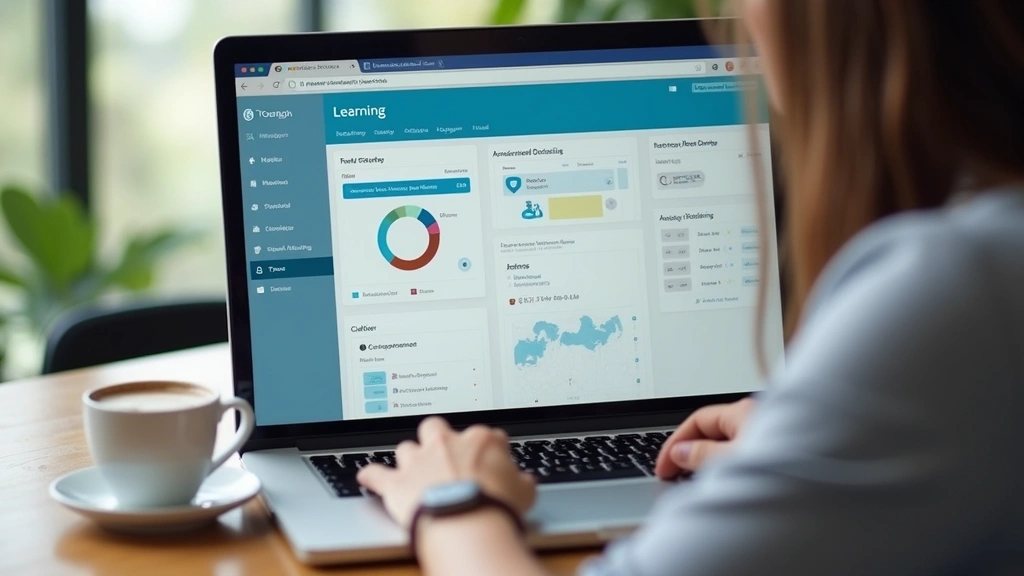
Blackboard Texas Tech: Essential for Students?
Texas Tech University’s adoption of Blackboard as its learning management system has become a cornerstone of the institution’s digital infrastructure. For students navigating their academic journey at one of Texas’s premier research universities, understanding whether Blackboard Texas Tech is truly essential requires examining its functionality, integration with campus systems, and real-world user experiences. This comprehensive review explores every aspect of the platform, from course management capabilities to technical performance, helping you determine if this tool deserves a permanent spot in your academic toolkit.
The debate surrounding Blackboard’s necessity at Texas Tech extends beyond simple yes-or-no answers. Many students wonder whether they can succeed without mastering the platform, while others question whether it genuinely enhances learning outcomes. By diving deep into features, comparing it to alternatives, and analyzing feedback from actual users, we can provide clarity on this important academic technology question.
What Is Blackboard Texas Tech?
Blackboard at Texas Tech University serves as the official learning management system (LMS) that connects students, faculty, and academic resources into a unified digital environment. The platform functions as the central hub for course delivery, assignment submission, grade tracking, and institutional communication. Every enrolled student receives automatic access upon registration, making it impossible to avoid even if you wanted to.
The system handles critical academic functions that directly impact your educational experience. From syllabus distribution to exam administration, Blackboard Texas Tech manages the backbone of course delivery across the university’s diverse academic departments. Understanding its role helps contextualize why so many students consider it essential rather than optional.
Texas Tech’s implementation includes customization specific to the institution’s needs, including integration with the university’s student information system and campus email. This institutional customization means that generic Blackboard tutorials might not perfectly align with your experience at Texas Tech, making institution-specific guidance particularly valuable.

Core Features and Functionality
Course Content Management represents Blackboard’s primary strength. Professors organize course materials into logical modules, making it straightforward to locate syllabus documents, lecture slides, reading assignments, and supplementary resources. The hierarchical structure prevents course pages from becoming overwhelming digital filing cabinets.
The Assignment submission portal streamlines the submission process significantly. Rather than managing email attachments or physical handoffs, students upload assignments directly through Blackboard, with automatic timestamp recording and plagiarism detection through integrated Turnitin functionality. This centralization eliminates excuses about lost emails or unclear submission formats.
Grade tracking provides real-time visibility into your academic performance. The gradebook shows weighted categories, calculates running totals, and displays where you stand in the course at any moment. This transparency helps students identify struggling areas before final exams and allows for informed conversations with instructors about improvement strategies.
The discussion board feature facilitates asynchronous communication between students and instructors. Unlike synchronous class meetings, discussion boards allow thoughtful responses and accommodate different schedules. However, many students report that discussion board participation requirements feel like busy work rather than genuine intellectual engagement.
Blackboard’s announcement system ensures important course updates reach students reliably. Instructors use announcements to clarify assignment requirements, postpone deadlines, or share breaking news relevant to course content. Notifications help prevent the “I didn’t know” excuse, though aggressive notification settings can become overwhelming.
The calendar integration provides a unified view of assignment deadlines and exam dates. When properly configured by instructors, this feature helps students visualize their academic workload and plan study schedules effectively. Unfortunately, inconsistent faculty implementation means some calendars are comprehensive while others remain blank.
User Interface and Accessibility
Blackboard’s interface has evolved significantly over recent versions, though opinions on usability improvements remain divided among the Texas Tech community. The current iteration prioritizes a more modern, streamlined design compared to earlier iterations that felt dated and cluttered.
Navigation requires an initial learning curve, particularly for first-time users unfamiliar with LMS conventions. Course pages organize content logically, but finding specific features sometimes requires exploration. New students often benefit from attending orientation sessions or watching tutorial videos before their first semester.
Accessibility compliance represents a genuine strength of Blackboard’s implementation at Texas Tech. The platform supports screen readers, keyboard navigation, and alternative text for images, making it usable for students with visual impairments or motor challenges. Texas Tech’s commitment to accessibility means the platform accommodates diverse learning needs effectively.
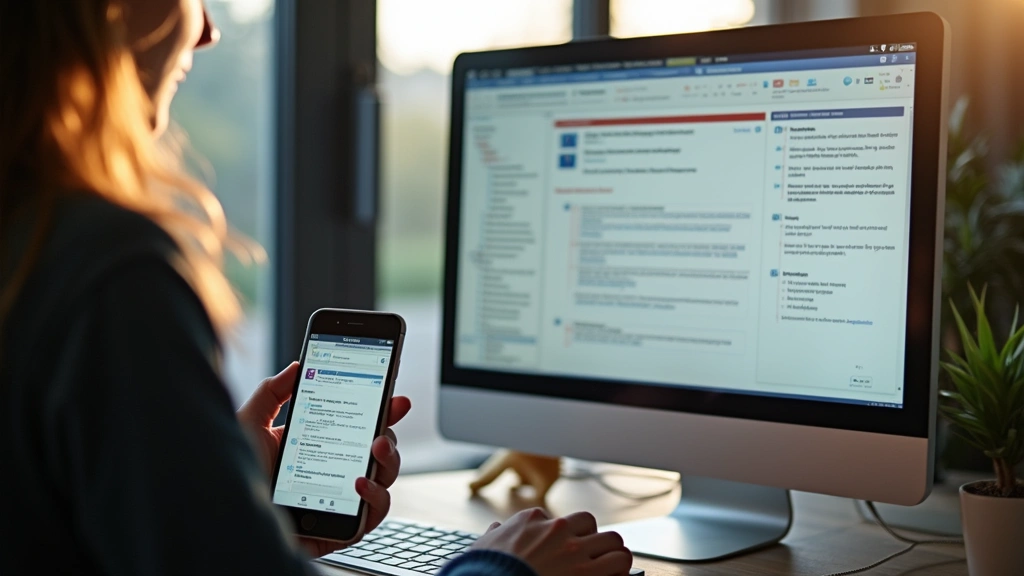
Mobile responsiveness has improved substantially, though the desktop experience remains superior for complex tasks. The mobile interface prioritizes essential functions like checking grades and accessing announcements, but uploading assignments or participating in discussions works better on larger screens.
Integration with Campus Systems
Blackboard’s deep integration with Texas Tech’s student information system means your enrollment automatically populates course rosters. Faculty see accurate student lists without manual updates, reducing administrative errors and ensuring nobody falls through the cracks. This automatic roster synchronization represents a significant operational advantage.
Email integration allows students to contact instructors and classmates directly through Blackboard without revealing personal email addresses. This privacy protection is particularly valuable for students concerned about unwanted communication or those preferring to maintain professional boundaries between academic and personal correspondence.
The platform connects with Texas Tech’s library resources, providing direct access to databases and research materials without requiring separate authentication. This seamless library integration simplifies research workflows and encourages students to utilize institutional resources they might otherwise overlook.
Authentication through your Texas Tech NetID ensures secure access while maintaining consistency with other campus systems. Single sign-on functionality eliminates the need to remember separate credentials, though it also means your Blackboard access automatically terminates after graduation or enrollment changes.
Performance and Technical Reliability
Blackboard’s server infrastructure at Texas Tech generally performs reliably during normal usage periods. Course pages load quickly, assignment submissions process immediately, and grade updates appear within reasonable timeframes. However, performance degrades noticeably during peak usage times, particularly when assignment deadlines approach or exam periods begin.
Downtime remains relatively rare, though scheduled maintenance windows occasionally require access interruptions. Texas Tech typically schedules maintenance during low-usage periods, minimizing disruption to active coursework. Emergency maintenance for critical issues happens infrequently, suggesting solid system stability overall.
Browser compatibility is generally good, though the platform performs best on current versions of Chrome, Firefox, Safari, and Edge. Older browsers sometimes encounter issues, and Internet Explorer compatibility ended years ago. Keeping your browser updated prevents most technical frustrations.
File upload reliability is generally solid, though users occasionally report failed uploads during network connectivity issues. The platform provides clear error messages indicating whether failures result from file size limits, format restrictions, or connection problems. Retrying submissions usually resolves temporary issues.
Mobile Experience and On-the-Go Learning
The official Blackboard mobile app extends platform accessibility to smartphones and tablets, enabling students to check grades, read announcements, and access course materials from anywhere. The app’s streamlined interface prioritizes frequently-used features, making quick information retrieval convenient.
Assignment submission through the mobile app works reliably for text-based submissions, though complex file formats sometimes cause complications. Photography-based document submission works well for students on the go, though quality can suffer compared to desktop uploads.
Discussion board participation through mobile is functional but cumbersome. Reading lengthy threads and composing thoughtful responses works better on larger screens, making the mobile app better suited for browsing rather than substantive engagement.
Push notifications keep students informed about grade updates, new announcements, and discussion responses. Customizable notification settings allow you to control frequency and types of alerts, preventing the app from becoming an attention-stealing distraction.
Student Feedback and Real-World Usage
Texas Tech students express generally positive views about Blackboard’s role in their academic experience, though enthusiasm varies significantly by department and individual instructor implementation. Students appreciate the centralized access to course materials and straightforward grade tracking, citing these as genuine quality-of-life improvements compared to fragmented systems.
Common complaints center on redundant communication channels. When instructors use both Blackboard announcements and campus email to communicate identical information, students feel overwhelmed by duplicate notifications. Instructors who thoughtfully implement the platform experience far better student engagement than those who treat it as an afterthought.
First-year students frequently report initial confusion navigating Blackboard’s interface, but proficiency develops quickly through repeated use. By sophomore year, most students navigate the platform intuitively and appreciate features they initially overlooked. This learning curve is real but temporary.
Graduate students and upper-level undergraduates often integrate Blackboard into sophisticated academic workflows, using it alongside note-taking apps and research tools. The platform’s flexibility supports these advanced use cases, though it requires intentional setup and optimization.
Students in technical fields frequently praise Blackboard’s integration with programming assignment submission systems and automated grading tools. These advanced integrations enhance the learning experience for computer science and engineering students, though they remain less developed in humanities departments.
Comparing Alternatives
While Blackboard dominates Texas Tech’s landscape, understanding how it compares to alternative learning management systems provides useful context. Canvas, developed by Instructure, offers a more intuitive interface and stronger mobile experience, though it’s not available at Texas Tech. Many students who’ve used Canvas elsewhere find Blackboard’s interface less polished.
Google Classroom offers simplicity and seamless integration with Google Workspace, making it appealing for smaller courses or supplementary use. However, Google Classroom lacks the robust grading and plagiarism detection features that Blackboard provides, limiting its suitability for comprehensive course management at a research university.
Open-source alternatives like Moodle provide flexibility and lower costs but require more technical expertise to implement effectively. Texas Tech’s choice of Blackboard reflects a preference for vendor-supported stability over customization flexibility, a reasonable tradeoff for a large institution.
Microsoft Teams has increasingly become an alternative communication platform at universities, though it complements rather than replaces traditional LMS functions. Some Texas Tech courses use Teams for real-time collaboration while maintaining Blackboard for official grading and record-keeping.
For exploring how educational technology continues evolving, understanding artificial intelligence applications transforming education provides valuable perspective on future LMS capabilities. AI-powered features like intelligent tutoring and automated feedback represent the frontier of learning technology development.
Tips for Maximizing Your Blackboard Experience
Customize your notification settings to receive alerts for priority items like grade updates and urgent announcements while muting less critical notifications. This personalization prevents notification fatigue while ensuring you never miss important information.
Bookmark your frequently accessed courses to bypass navigation steps and jump directly to active coursework. This small optimization saves time across hundreds of platform interactions throughout the semester.
Set calendar reminders for approaching assignment deadlines, even though Blackboard displays them prominently. External reminders provide redundancy that prevents missed submissions due to oversight.
Download course materials early in the semester, particularly reading assignments and lecture slides. This practice ensures you have offline access during internet connectivity issues and allows you to organize materials in your preferred structure.
Participate actively in discussion boards early in the semester to establish instructor familiarity. Instructors who recognize your engagement patterns often provide more personalized feedback and support throughout the course.
Master the gradebook features to understand how assignments weight toward your final grade. This knowledge enables strategic focus on high-impact assignments and helps you identify exactly where grade improvement is most achievable.
Attend Blackboard orientation sessions offered by Texas Tech’s teaching and learning center. These sessions cover institution-specific configurations and time-saving features that generic tutorials miss.
Use the Blackboard help system when encountering technical issues rather than abandoning the platform entirely. Most problems have straightforward solutions documented in the help center or resolvable through IT support.
For students interested in educational technology careers, exploring how to become a software developer provides pathways into EdTech development. Understanding LMS platforms from a user perspective builds valuable insight for careers building the next generation of educational technology.
FAQ
Is Blackboard Texas Tech required for all courses?
While Blackboard serves as the official LMS, individual instructors retain discretion in implementation depth. Some courses use Blackboard minimally while others integrate it comprehensively. However, all enrolled students have access, and most courses use it for at least grade posting and announcements.
Can I access Blackboard Texas Tech after graduation?
Access terminates shortly after graduation or enrollment ends. Students needing archived course materials should download them before departure. Some departments maintain course archives separately, so inquire with your major’s advising office about retention policies.
What should I do if I can’t access my Blackboard course?
First verify that your enrollment is current and active in the registrar’s system. Enrollment delays sometimes prevent automatic course roster population. If enrollment is confirmed, contact Texas Tech IT support or your instructor for access troubleshooting.
Does Blackboard Texas Tech work on all devices?
Blackboard works on Windows, macOS, iOS, and Android devices. Desktop browsers (Chrome, Firefox, Safari, Edge) provide the most complete functionality, while mobile apps offer streamlined experiences. Some advanced features work better on desktop, particularly assignment uploads and discussion participation.
How secure is my data on Blackboard Texas Tech?
Cloud computing infrastructure like Blackboard implements encryption for data transmission and storage. Texas Tech’s implementation includes institutional security standards and regular security audits. Your data is reasonably secure, though no system is completely immune to breaches.
Can instructors see when I access course materials?
Blackboard includes analytics showing student engagement patterns. Instructors can see when you access content and participate in discussions, though they cannot see your specific reading or studying activities. This visibility sometimes motivates consistent engagement.
What file formats does Blackboard accept for assignment submissions?
Blackboard accepts virtually all common file formats including PDF, Word documents, Excel spreadsheets, images, videos, and compressed files. However, individual instructors may restrict formats for specific assignments. Check assignment instructions for format requirements before submitting.
Is there a way to download all my course materials at once?
Blackboard provides content export functionality allowing you to download entire courses or specific folders. This feature works better in desktop browsers and proves invaluable for creating personal archives before course access terminates.
How does Blackboard’s plagiarism detection work?
Turnitin integration scans submitted assignments against databases of published works and previous student submissions. The system generates similarity reports showing potential matches, though not all matches indicate actual plagiarism. Instructors interpret reports and determine appropriate responses.
Can I use Blackboard for group projects?
Blackboard supports group functionality with collaborative document editing and group-specific discussion spaces. However, groups must be created by instructors rather than student-initiated. The group features are functional but less robust than dedicated collaboration tools.


