Cen-Tech Battery Charger: Ultimate User Guide
The Cen-Tech battery charger stands as a reliable workhorse in the automotive and power tool accessory market, offering users an affordable yet dependable solution for maintaining and charging various battery types. Whether you’re a DIY enthusiast, a professional mechanic, or simply someone who needs to keep batteries charged around the house, understanding how to properly use and maintain your Cen-Tech charger is essential for maximizing its lifespan and ensuring safe operation. This comprehensive guide walks you through every aspect of the Cen-Tech battery charger, from initial setup to advanced troubleshooting techniques.
Cen-Tech, Harbor Freight Tools’ in-house brand, has built a reputation for delivering solid performance at budget-friendly price points. Their battery chargers are no exception, combining practical functionality with straightforward operation that doesn’t require an engineering degree to understand. However, many users never fully explore their charger’s capabilities beyond basic charging, missing out on features that could save time and extend battery life significantly.
Understanding Your Cen-Tech Charger Specifications
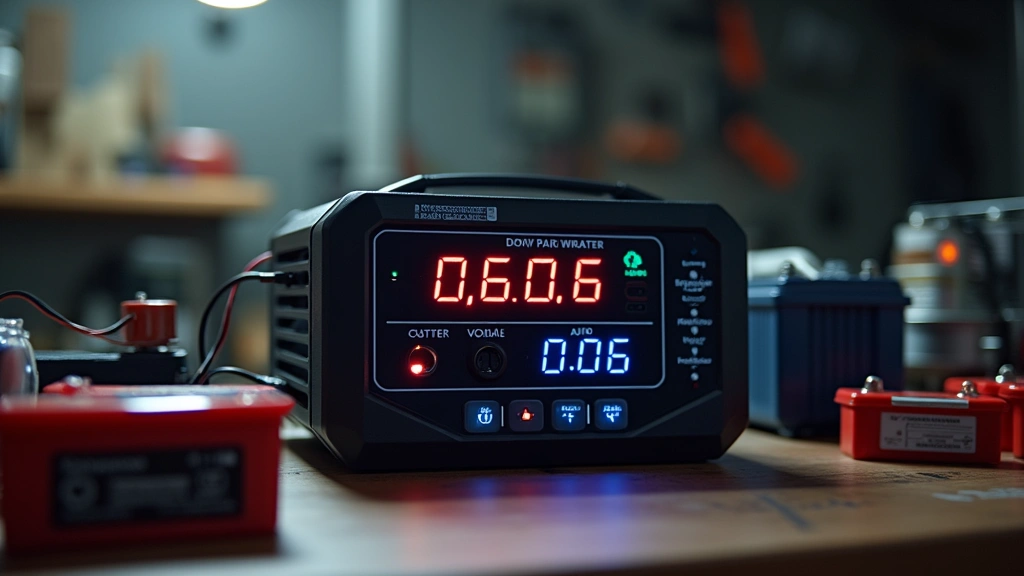
Before diving into operation, you need to understand what your Cen-Tech battery charger can actually do. Most Cen-Tech models come in various configurations, typically ranging from 2-amp manual chargers to 10-amp smart chargers with multiple charging modes. The amperage rating determines how quickly your charger can deliver current to a battery—higher amperage means faster charging, but it also requires more careful handling to avoid battery damage.
The voltage compatibility is equally critical. Standard automotive applications require 12-volt chargers, though some professional-grade Cen-Tech models support both 6-volt and 12-volt batteries. Checking your specific model’s manual ensures you’re operating within safe parameters. Most Cen-Tech chargers display voltage output on the unit itself, but consulting the detailed specifications helps you understand maximum charging capacity measured in amp-hours (Ah).
According to CNET’s battery charger reviews, understanding your equipment’s specifications before operation prevents costly mistakes. The charging curve—how current and voltage change during the charging cycle—varies between models. Some Cen-Tech chargers use constant current charging, while newer models employ smart charging technology that automatically adjusts parameters based on battery condition.
When you’re exploring tech gadget reviews on our blog, you’ll find detailed breakdowns of how different charger technologies work. The internal circuitry of your Cen-Tech charger includes a transformer, rectifier, and voltage regulator that work together to convert AC wall power into DC output suitable for battery charging.
Safety Features and Precautions
Safety should be your paramount concern when operating any battery charger. Cen-Tech chargers incorporate several protective mechanisms designed to prevent dangerous situations. Reverse polarity protection stops the charger from operating if you accidentally connect positive and negative cables backwards—a critical safeguard that prevents battery damage and potential sparking.
Thermal protection automatically shuts down the charger if internal temperatures exceed safe limits, protecting both the device and your surroundings. Overcharge protection, found on smarter Cen-Tech models, monitors battery voltage and automatically switches to trickle charging or cuts power entirely when the battery reaches full charge. This feature is particularly valuable for maintaining batteries over extended periods without risk of damage.
Always charge in well-ventilated areas, preferably outdoors or in garages with open doors. Batteries release hydrogen gas during charging, and while the risk is minimal with modern chargers, proper ventilation eliminates any potential hazard. Keep chargers away from flammable materials and ensure the charging area is dry—water and electricity create dangerous situations.
Before connecting any battery, inspect cables for damage, cracks in insulation, or corrosion on clamps. Damaged cables should be replaced immediately as they create electrical hazards. Similarly, examine the battery itself for cracks, leaks, or obvious damage. Never attempt to charge a visibly damaged battery, as internal chemical reactions could become unpredictable.
Setup and Initial Configuration
Getting your Cen-Tech battery charger ready for use involves several straightforward steps. First, unpack the unit and inspect all components: the main charger unit, charging cables with clamps, and the power cord. Locate the manual—either included in the box or downloadable from Harbor Freight’s website—as specific model variations may have unique setup requirements.
Position your charger on a stable, level surface near the battery you’re charging. Ensure the power cord can reach a standard outlet without excessive strain or creating tripping hazards. Most Cen-Tech models have a power switch or button on the front panel; verify it’s in the OFF position before plugging into the wall outlet.
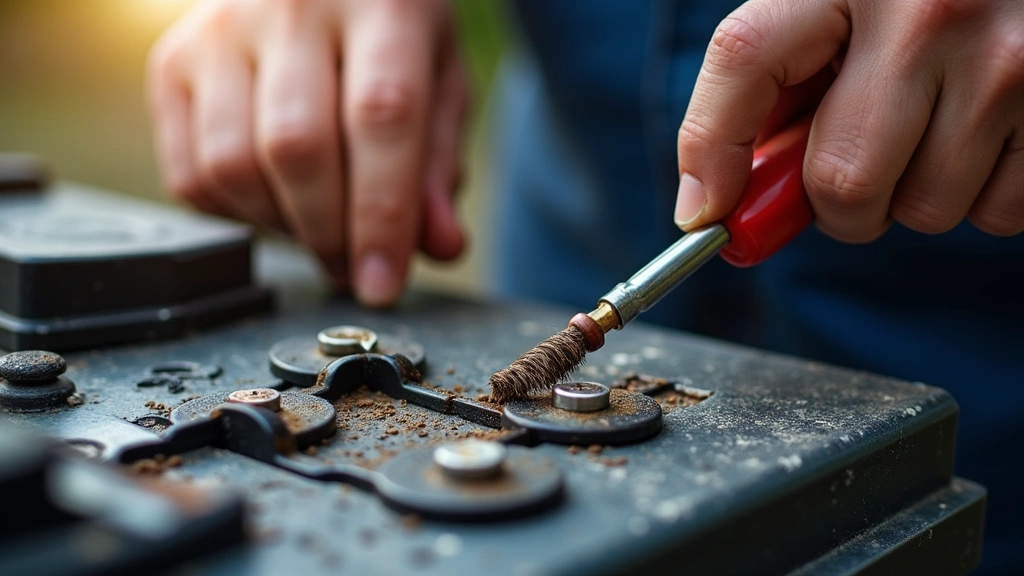
Inspect the battery terminals for corrosion—whitish, bluish, or greenish crusty buildup on terminals. If present, clean terminals with a wire brush and baking soda solution. Dry thoroughly before connecting charger cables. This cleaning step dramatically improves charging efficiency and ensures proper electrical contact.
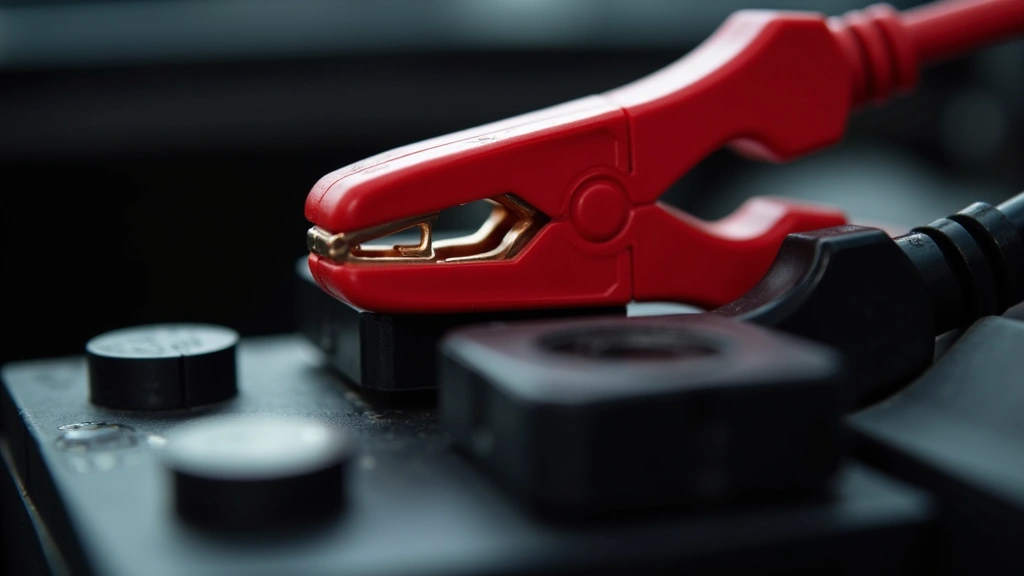
Connect the positive (red) cable to the positive (+) battery terminal first, then connect the negative (black) cable to the negative (-) terminal. This sequence prevents sparks and potential short circuits. For automotive applications, some users prefer connecting the negative cable to an unpainted metal surface on the engine block rather than the battery terminal itself, reducing spark risk.
Charging Different Battery Types
Cen-Tech chargers handle multiple battery chemistries, each with slightly different requirements. Traditional lead-acid batteries—the standard in most vehicles—charge most reliably with constant current initially, transitioning to constant voltage as the battery fills. Your charger’s renewable energy technology insights apply here, as modern chargers optimize the chemical process to extend battery lifespan.
Sealed lead-acid (SLA) batteries, commonly found in backup power systems and motorcycles, require gentler charging to prevent gas buildup inside sealed cases. Smart Cen-Tech models automatically detect battery type and adjust charging profiles accordingly. If your model requires manual selection, always choose the SLA setting for these applications.
Gel and AGM (Absorbent Glass Mat) batteries demand specific voltage limits—typically lower than conventional lead-acid batteries. Overcharging these batteries causes irreversible damage. Consult your battery manufacturer’s specifications and cross-reference with your Cen-Tech charger’s manual to ensure compatibility.
For lawn mower batteries, power tool batteries, and other small-capacity applications, use lower amperage settings (2-amp or 4-amp) rather than maximum output. These batteries have less thermal mass and heat up quickly at high charging rates. Slower charging generates less heat and extends overall battery life significantly.
When charging motorcycle batteries or other small sealed batteries, never exceed manufacturer-recommended amperage. A 12Ah motorcycle battery should charge at no more than 3-4 amps maximum. Using higher amperage risks venting electrolyte through safety valves or, worse, battery rupture.
Advanced Features Explained
Higher-end Cen-Tech charger models include features that transform them from simple charging devices into comprehensive battery management systems. The trickle charge mode maintains fully charged batteries without overcharging—perfect for vehicles or equipment stored during winter or extended periods of non-use. Trickle charging delivers tiny amounts of current, typically measured in milliamps, compensating for natural battery self-discharge.
Battery condition indicators, either LED lights or digital displays, show charging progress and battery health status. Red lights typically indicate charging in progress, green indicates full charge, and amber or flashing indicators suggest problems requiring investigation. Some models include digital displays showing voltage, amperage, and estimated time to full charge.
The smart technology integration in premium Cen-Tech models uses microprocessor control to monitor charging parameters constantly. These chargers adjust charging current based on battery voltage, preventing the overcharging that damages batteries and reduces lifespan. Microprocessor control also enables multi-stage charging: bulk charging at maximum amperage, absorption charging at constant voltage, and finally trickle charging for maintenance.
Some Cen-Tech models offer jump-starting capability, delivering a high-current pulse to start dead batteries without requiring a second vehicle. This feature proves invaluable in emergency situations, though it should never replace proper charging for severely depleted batteries. Jump-start mode typically works only on 12-volt batteries and requires the charger to be plugged into AC power.
Battery desulfation features, found on advanced models, apply special charging patterns to break down sulfate crystals that form on battery plates during extended storage or undercharging. This process can sometimes revive batteries that appear completely dead, though results vary depending on sulfation severity.
Maintenance and Care
Proper maintenance extends your Cen-Tech charger’s operational life and ensures consistent performance. Store the unit in a cool, dry location away from moisture and temperature extremes. The transformer and electronic components inside are sensitive to humidity, which can cause corrosion or short circuits over time.
Keep cables neatly coiled and stored separately from the charger body. Tangled cables can pinch insulation and create safety hazards. Periodically inspect cables for cracks, splits, or exposed copper wire. Minor insulation damage can be temporarily repaired with electrical tape, but replacement is preferable for safety-critical components.
Clean the charger exterior with a dry cloth, removing dust and debris that might block ventilation slots. Never use water or solvents for cleaning, as these can damage electronic components. If the charger becomes wet, allow it to dry completely before use—at least 24 hours in a warm environment.
Check the power cord regularly for damage. If you notice exposed wires, burns, or melted insulation, discontinue use immediately and replace the entire power cord assembly. Damaged power cords create serious electrical hazards and cannot be safely repaired.
Battery terminals should be cleaned and inspected before each charging session. Corrosion buildup reduces electrical contact and forces the charger to work harder, generating excess heat. A simple wire brush and baking soda solution keeps terminals clean and ensures optimal charging efficiency.
Troubleshooting Common Issues
If your Cen-Tech charger isn’t functioning properly, systematic troubleshooting identifies the problem. Start with the simplest possibilities: verify the outlet works by plugging in another device, confirm the charger’s power switch is ON, and check that cables are securely connected to both charger and battery.
The charger won’t power on: Check the outlet with a lamp or other device. If the outlet works but the charger doesn’t, the internal power switch or cord may be defective. Unplug the charger, wait 30 seconds, and plug it back in. If still unresponsive, the unit likely requires professional repair or replacement.
Charging very slowly or not at all: Verify battery terminal connections are tight and clean. Corroded terminals create high resistance, limiting current flow. Clean terminals thoroughly and try again. If still slow, check the amperage setting—lower amperage settings charge more slowly by design. Increase to the maximum recommended amperage for your battery type and try again.
Charger shuts off during charging: This indicates thermal protection activation, meaning the charger has overheated. Allow it to cool for 30 minutes before resuming. Overheating typically results from charging at excessive amperage for extended periods or operating in hot environments. Reduce amperage or allow more cooling time between charges.
Clicking or buzzing sounds: These noises usually indicate a failing transformer or relay. While minor buzzing during initial power-up is normal, persistent clicking or loud buzzing suggests internal damage. Discontinue use and contact customer support.
Battery not holding charge after charging: The battery itself, not the charger, is likely faulty. Try charging a different battery to confirm the charger works properly. If the second battery charges and holds charge normally, your original battery has reached end-of-life.
Reverse polarity protection triggers (charger won’t operate): You’ve connected cables backwards. Disconnect immediately and reconnect with positive (red) to positive and negative (black) to negative. Verify connection before powering on again.
For comprehensive troubleshooting, consult The Verge’s detailed device reviews, which often cover battery management systems. You can also reference our analysis of leading tech companies that manufacture battery technology, providing industry context for charger performance standards.
FAQ
How long does a typical Cen-Tech battery charger take to fully charge a car battery?
Charging time depends on battery capacity and charger amperage. A 50Ah car battery charging at 10 amps typically takes 5-6 hours. Lower amperage (2-4 amps) extends charging to 12-25 hours. Dead batteries take longer than partially discharged ones. Smart chargers may show estimated time remaining on digital displays.
Can I leave my battery on a Cen-Tech charger overnight?
Yes, if your charger has automatic overcharge protection or trickle charge mode. These features prevent damage from extended charging. Manual chargers without automatic shutoff should be monitored and disconnected once fully charged. Leaving a manual charger connected indefinitely risks battery damage and potential fire hazards.
Is it safe to charge a battery while it’s still in my vehicle?
Generally yes, but disconnect the negative battery terminal first to prevent potential electrical damage to vehicle electronics, especially on modern vehicles with complex computer systems. This precaution protects against charging-related power surges.
What’s the difference between a smart charger and a manual Cen-Tech charger?
Smart chargers automatically adjust charging parameters based on battery condition, preventing overcharging and extending battery life. Manual chargers require user intervention to switch modes or disconnect when charging completes. Smart chargers cost more initially but provide better battery longevity and convenience.
Can Cen-Tech chargers charge lithium-ion batteries?
Most standard Cen-Tech chargers are designed exclusively for lead-acid batteries and should never be used with lithium-ion batteries. Using incompatible chargers risks battery damage, fire, or explosion. Always verify your charger’s compatible battery types before attempting to charge any battery.
Why does my battery get hot while charging?
Some heat generation is normal, but excessive heat (too hot to touch) indicates problems. Reduce charging amperage, ensure good ventilation, and allow cooling breaks. Excessive heat can damage batteries and chargers. If overheating persists, discontinue use and inspect the battery for internal damage.


