Self-Service Kiosks: Revolution or Hype? Expert View
Self-service kiosks have infiltrated nearly every retail environment, airport, and restaurant over the past decade. From fast-food ordering terminals to airport check-in stations, these touchscreen devices promise efficiency, reduced wait times, and streamlined customer experiences. But beneath the polished glass surfaces and intuitive interfaces lies a more complex reality. Are self-service kiosks genuinely revolutionizing how we interact with businesses, or are they merely expensive solutions to problems that didn’t need solving? This expert analysis explores the technology, implementation challenges, and real-world outcomes that define the self-service kiosk landscape.
The proliferation of self-service technology represents a fundamental shift in customer-business interactions. Companies invest millions in these systems expecting tangible returns: labor cost reduction, improved transaction speed, and enhanced data collection. Yet user adoption rates vary dramatically, frustration levels remain high for certain demographics, and technical failures can create bottlenecks worse than traditional checkout methods. Understanding whether self-service kiosks deliver on their promises requires examining both the technological capabilities and the human factors that determine success or failure.
Understanding Self-Service Kiosk Technology
Self-service kiosks represent a convergence of hardware, software, and networking technologies designed to enable customers to complete transactions independently. The concept isn’t new—vending machines have operated autonomously for over a century—but modern kiosks integrate sophisticated systems including touchscreen displays, payment processing modules, inventory management software, and real-time connectivity. According to The Verge’s technology analysis, the global self-service kiosk market reached $27 billion in 2023 and continues expanding at 12-15% annually.
The fundamental appeal of self-service kiosks stems from their potential to reduce operational friction. Traditional checkout processes involve employee time, potential errors, and variable wait times. A well-designed kiosk theoretically eliminates these variables by automating routine transactions. However, this theoretical advantage depends entirely on execution quality, user interface design, and backend system reliability. When these elements fail—which occurs frequently—the kiosk becomes a frustration point rather than a convenience.
The transformation of technology through artificial intelligence has begun influencing modern kiosk design. Advanced systems now incorporate machine learning algorithms that personalize recommendations, predict user needs, and optimize interface layouts based on usage patterns. This represents a meaningful evolution from static, one-size-fits-all kiosk interfaces toward adaptive systems that genuinely improve over time.
Core Hardware and Software Components
Modern self-service kiosks incorporate several critical hardware components working in concert. The display system typically features a 22-55 inch touchscreen with anti-glare coating and high brightness output for visibility in various lighting conditions. Touch technology has evolved from capacitive to advanced resistive systems capable of detecting multiple simultaneous touches, enabling gesture-based navigation similar to smartphones.
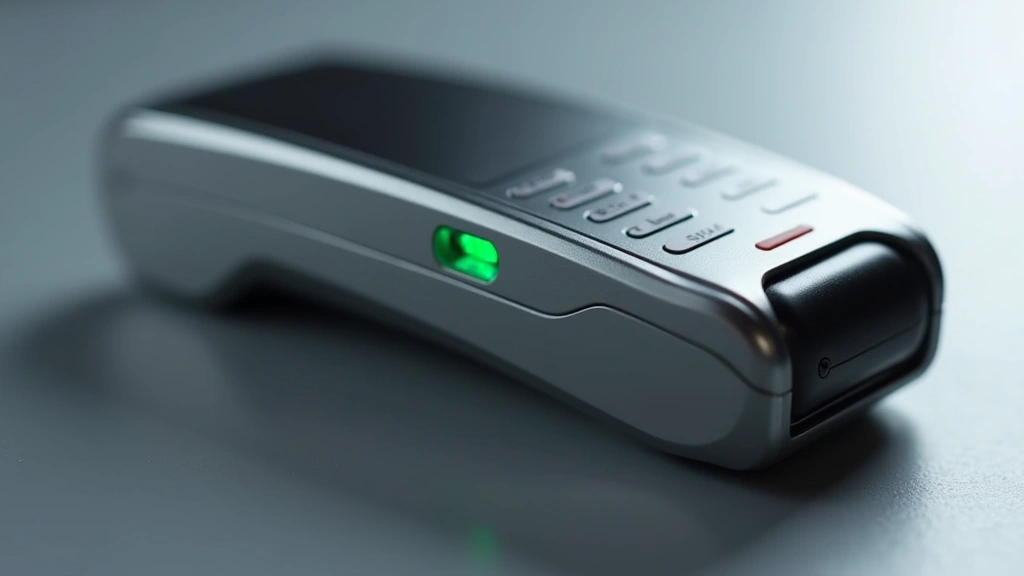
Payment processing represents the most technically complex component. Kiosks integrate card readers supporting EMV chip technology, NFC contactless payments, and increasingly, mobile wallet systems. Security standards mandate PCI DSS compliance, requiring encrypted data transmission and secure server connections. CNET’s hardware reviews consistently highlight that payment security failures represent the primary vulnerability in deployed kiosk systems.
Processing power has become increasingly relevant as kiosks demand real-time inventory lookups, simultaneous user session management, and complex transaction processing. Modern kiosks utilize industrial-grade processors capable of handling multiple concurrent operations without lag. The backend architecture typically involves cloud connectivity for transaction verification, inventory updates, and data synchronization across entire networks of kiosks.
Software architecture determines whether a kiosk feels intuitive or frustrating. Leading systems employ responsive design principles, large touch targets (minimum 1-inch buttons), clear visual hierarchy, and progressive disclosure—revealing advanced options only when needed. Poor software design, conversely, results in the infamous scenarios where users repeatedly tap unresponsive buttons or navigate through confusing menu structures.
Implementation Challenges and Real-World Obstacles
Despite technological sophistication, self-service kiosk implementations frequently encounter significant obstacles. The most glaring challenge involves technology failures. When a payment processor fails, network connectivity drops, or software crashes, the kiosk becomes completely unusable. Unlike a human employee who can adapt to unexpected situations, kiosks typically default to error messages and require technical intervention.
Technical reliability data reveals concerning patterns. Industry reports indicate that average kiosk uptime ranges from 85-92%, meaning roughly one week per year of downtime per unit. For a retail chain operating 500 kiosks, this translates to approximately 2,500 days of collective downtime annually. Each failure creates customer frustration and forces fallback to traditional checkout methods, negating efficiency gains.
Integration with existing systems poses another critical challenge. Many retail environments operate legacy point-of-sale systems, inventory databases, and accounting software that weren’t designed for seamless kiosk integration. Connecting modern self-service systems to outdated backend infrastructure frequently results in data synchronization failures, inventory inaccuracies, and transaction processing delays.
The human factor consistently undermines kiosk effectiveness. Approximately 30-40% of customers actively avoid self-service kiosks when alternatives exist. Elderly users, individuals with disabilities, and those unfamiliar with touchscreen technology experience genuine barriers. Additionally, some customers simply prefer human interaction or distrust automated systems with sensitive information. Retailers implementing kiosks without maintaining adequate staffing for traditional checkout inevitably create bottlenecks during peak periods.
Maintenance requirements often surprise businesses after deployment. Touchscreens accumulate fingerprints and require frequent cleaning. Hardware components fail at varying rates. Software updates must be deployed across entire networks. Kiosks operating in high-traffic environments experience accelerated wear. These ongoing costs frequently exceed initial projections, impacting return-on-investment calculations.
User Experience: The Critical Factor
User experience (UX) design determines whether self-service kiosks succeed or fail in real-world deployment. The most successful systems share common characteristics: intuitive navigation, clear feedback for each action, minimal cognitive load, and straightforward error recovery. When these principles are neglected, even sophisticated technology fails to deliver value.
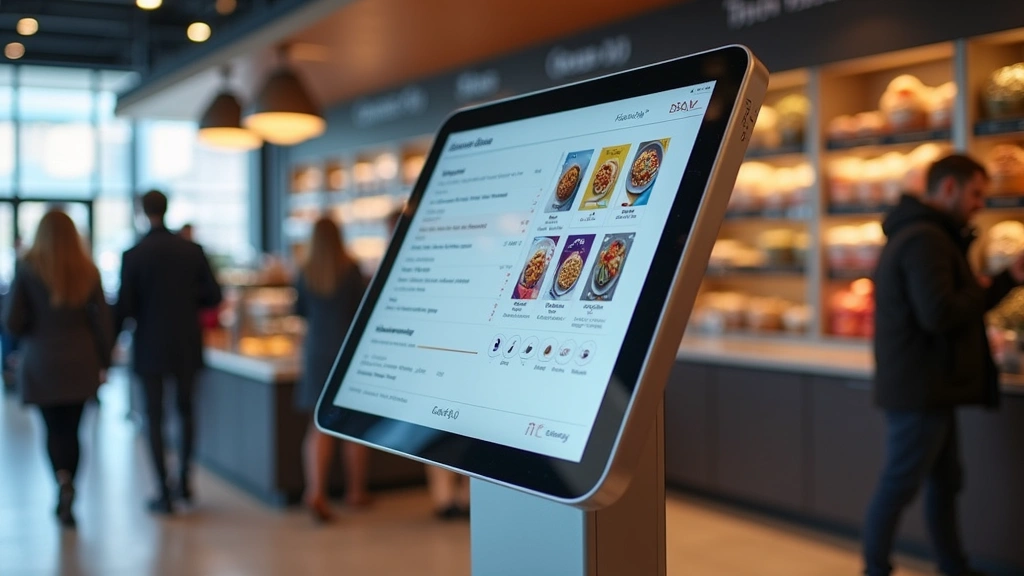
Fast-food kiosk implementations illustrate both success and failure scenarios. McDonald’s and Panera Bread reported 10-15% transaction volume increases after deploying well-designed ordering kiosks with high-resolution imagery and personalized recommendations. Conversely, poorly designed systems at other chains generated complaints about confusing navigation, inability to modify orders, and frustratingly slow responsiveness.
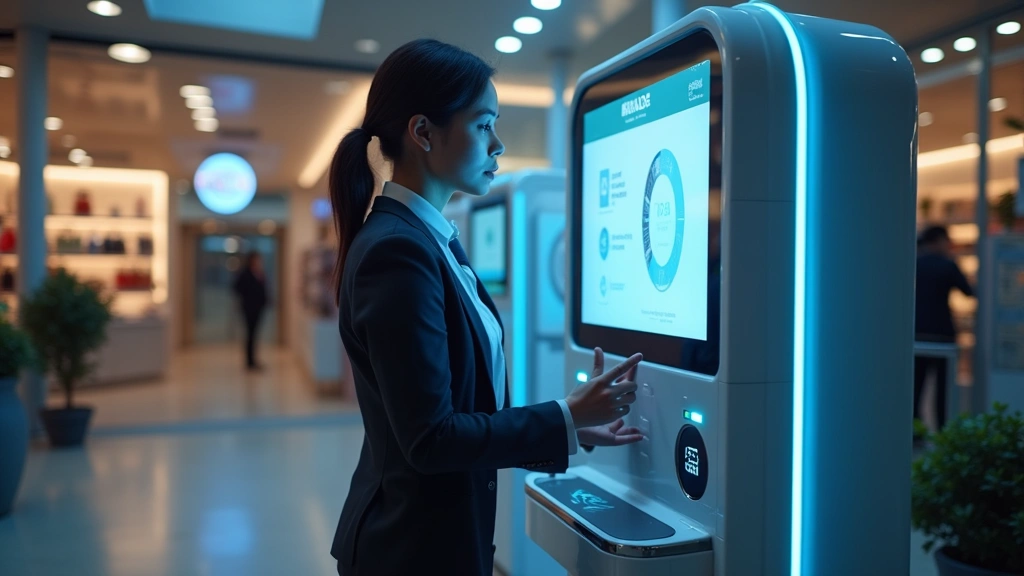
The checkout kiosk experience reveals similar patterns. Efficient systems guide users through clear steps: scan items, bag items, payment, receipt. Systems that require unexpected interactions—like suddenly demanding age verification for seemingly unrelated purchases—create confusion and delays. Understanding technical performance issues becomes essential when kiosks experience lag that disrupts the user experience.
Accessibility represents a critical yet frequently overlooked UX dimension. ADA compliance requires touchscreen height adjustment, audio feedback for visually impaired users, and alternative input methods for those with limited dexterity. Many deployed kiosks fail these requirements, effectively excluding significant user segments and creating legal liability.
Psychological factors also influence kiosk acceptance. Users experiencing payment failures feel heightened anxiety. Those uncertain about ordering processes hesitate to proceed. Systems providing clear confirmation at each stage—”Your payment was processed. Your order will be ready in 12 minutes”—build confidence and satisfaction. Ambiguous feedback generates frustration and increases error recovery times.
Cost Analysis and ROI Metrics
Financial analysis of self-service kiosk implementations reveals the complex ROI equation. Initial hardware costs range from $3,000-$15,000 per unit depending on specifications and durability requirements. Installation, networking, and software customization add $2,000-$8,000 per unit. A chain deploying 100 kiosks faces initial capital expenditure of $500,000-$2,300,000.
Operational cost savings supposedly justify this investment. Labor cost reduction represents the primary projected benefit. If a kiosk handles transactions that would otherwise require employee time, and operates 16 hours daily, the math suggests significant savings. However, this calculation assumes several unrealistic conditions: 100% uptime, complete customer adoption, and elimination of all employee oversight.
Real-world deployments achieve perhaps 60-70% of projected labor savings. Downtime requires employee intervention. Some customers require assistance. Transaction complexity varies. Kiosk maintenance demands technical expertise. When accounting for these realities, typical ROI timelines extend from 3-5 years rather than the 18-24 months often projected during sales presentations.
Hidden costs frequently surprise businesses. Software licenses often include annual fees. Payment processing charges apply to every transaction. Maintenance contracts run $100-$500 per kiosk annually. Network infrastructure upgrades may be necessary. Security updates require ongoing attention. These cumulative costs can reduce net savings by 30-50% compared to initial projections.
However, kiosks generate secondary benefits beyond direct labor savings. Transaction data provides valuable customer insights. Cloud computing infrastructure enables centralized data analysis across entire kiosk networks. Upselling capabilities through personalized recommendations increase average transaction values by 5-12%. These benefits can meaningfully improve overall ROI when properly implemented and measured.
Industry-Specific Applications
Self-service kiosk effectiveness varies dramatically across industries, with some sectors achieving genuine revolution while others experience persistent challenges.
Quick Service Restaurants (QSR): Ordering kiosks have genuinely transformed fast-food operations. Customers can customize orders precisely, reducing preparation errors. Order accuracy improved 8-12% in implementations studied by QSR Magazine. Peak-hour ordering capacity increased without additional checkout staff. However, success requires excellent interface design and strong kitchen integration.
Retail and Grocery: Self-checkout kiosk adoption remains mixed. Walmart and Target report 20-30% of transactions now occur via self-checkout, but this figure masks significant variation by location and time. High-value items create theft concerns. Produce identification remains problematic. Age-restricted items generate frequent false stops. These factors limit efficiency gains.
Airports and Transportation: Check-in kiosks at airports successfully handle 50-70% of passenger volume, genuinely improving flow during peak periods. Baggage drop kiosks, however, suffer from higher failure rates and customer confusion. The complexity of airline operations makes complete automation impractical.
Healthcare: Patient check-in kiosks improve administrative efficiency while maintaining human touchpoints for complex cases. Insurance verification automation reduces processing errors. However, medical information sensitivity requires exceptional security and privacy protections.
Banking: ATMs represent the oldest and most successful self-service kiosk category. Decades of refinement created intuitive interfaces and reliable hardware. Modern banking kiosks handle deposits, withdrawals, and account management with high user satisfaction. The banking industry’s sustained investment in this technology demonstrates long-term viability when properly executed.
Future Developments and Emerging Trends
The self-service kiosk landscape continues evolving rapidly. Artificial intelligence integration represents the most significant emerging trend. The future of artificial intelligence directly impacts kiosk capabilities. Advanced computer vision systems can identify products without barcode scanning. Natural language processing enables voice-based ordering and customer service. Machine learning algorithms personalize experiences based on individual user patterns.
Biometric authentication is gradually replacing traditional payment methods on modern kiosks. Facial recognition, fingerprint scanning, and iris recognition provide faster, more secure transactions. Privacy concerns and regulatory requirements currently limit widespread deployment, but adoption will likely accelerate as standards mature.
Mobile integration represents another significant evolution. Leading systems now enable customers to initiate transactions on smartphones, complete them at kiosks, or skip physical kiosks entirely by completing everything digitally. This omnichannel approach recognizes that rigid reliance on fixed kiosks represents an outdated model.
Edge computing capabilities are being deployed to reduce latency and improve reliability. Rather than relying exclusively on cloud connectivity, sophisticated kiosks now process transactions locally when possible, synchronizing with central systems when connectivity returns. This architecture improves resilience during network disruptions.
Sustainability considerations increasingly influence kiosk design. Manufacturers are developing energy-efficient displays, recyclable components, and systems designed for longevity rather than rapid replacement. As businesses recognize environmental impact, sustainable kiosk design may become a competitive differentiator.
The emergence of modular kiosk platforms enables businesses to customize configurations for specific use cases rather than deploying one-size-fits-all solutions. This flexibility addresses one of the primary criticisms of earlier kiosk generations.
FAQ
Are self-service kiosks actually faster than traditional checkout?
Speed depends on multiple factors. Well-designed kiosks with responsive systems can process transactions 15-30% faster than traditional checkout. However, poorly designed systems, payment failures, or customer confusion can make kiosks significantly slower. Additionally, when kiosks malfunction, backup queues form at traditional checkout, creating bottlenecks worse than having no kiosks at all.
What is the typical lifespan of a self-service kiosk?
Modern kiosks typically remain operational for 5-7 years before requiring replacement or major component upgrades. Touchscreens, payment processors, and mechanical components experience wear proportional to usage volume. High-traffic environments may require component replacement or full system refresh after 3-4 years. Proper maintenance extends lifespan; neglect accelerates degradation.
Do self-service kiosks actually save businesses money?
ROI varies significantly by implementation. Well-designed systems deployed in appropriate use cases achieve 3-5 year payback periods. However, poorly designed systems, inadequate maintenance, or use cases unsuitable for automation may never achieve positive ROI. Realistic financial analysis should account for ongoing maintenance, software licensing, payment processing fees, and realistic uptime assumptions.
Why do some customers refuse to use self-service kiosks?
Reasons include: technical difficulty or unfamiliarity, preference for human interaction, distrust of automated systems with sensitive information, accessibility barriers for elderly or disabled users, frustration with previous failures, and simple preference for traditional checkout. Approximately 30-40% of customers actively avoid kiosks when alternatives exist.
What are the main security concerns with self-service kiosks?
Primary concerns include: payment data security (PCI DSS compliance), malware and system compromise, physical tampering, skimming devices, and data privacy. Kiosks collecting customer information must implement encryption, secure authentication, and regular security audits. Neglecting security creates liability and customer trust issues.
How does kiosk technology integrate with inventory management?
Modern kiosks connect to inventory systems via network APIs, enabling real-time stock verification. When customers select items, systems check availability immediately. This prevents selling out-of-stock items and enables accurate order fulfillment. Integration quality varies; poor integration results in inventory discrepancies and customer frustration when promised items aren’t available.


