Art Meets Tech: Revolutionizing Creativity?
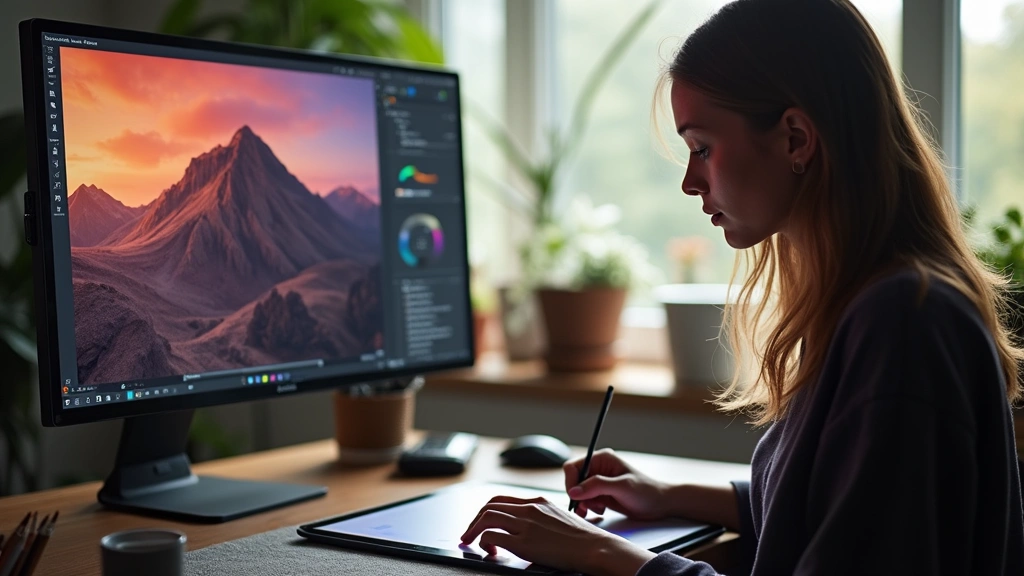
The intersection of art and technology has fundamentally transformed how creative professionals conceptualize, produce, and share their work. From AI-powered design tools to immersive virtual reality experiences, the fusion of artistic vision with cutting-edge technology is reshaping entire creative industries. This revolution isn’t merely about adding digital filters to traditional art—it’s about reimagining the creative process itself, enabling artists to push boundaries previously thought impossible and democratizing access to professional-grade creative tools.
Today’s creative professionals face an unprecedented landscape where technical proficiency and artistic vision must coexist. Whether you’re a digital illustrator, video editor, musician, or graphic designer, understanding how technology amplifies creative potential has become essential. The tools available now—from AI-assisted software to high-performance hardware—allow creators to focus more on innovation and less on technical limitations. This comprehensive exploration examines how art tech is revolutionizing creativity, what tools are leading this transformation, and how both professionals and hobbyists can leverage these innovations.
How AI is Transforming Creative Tools
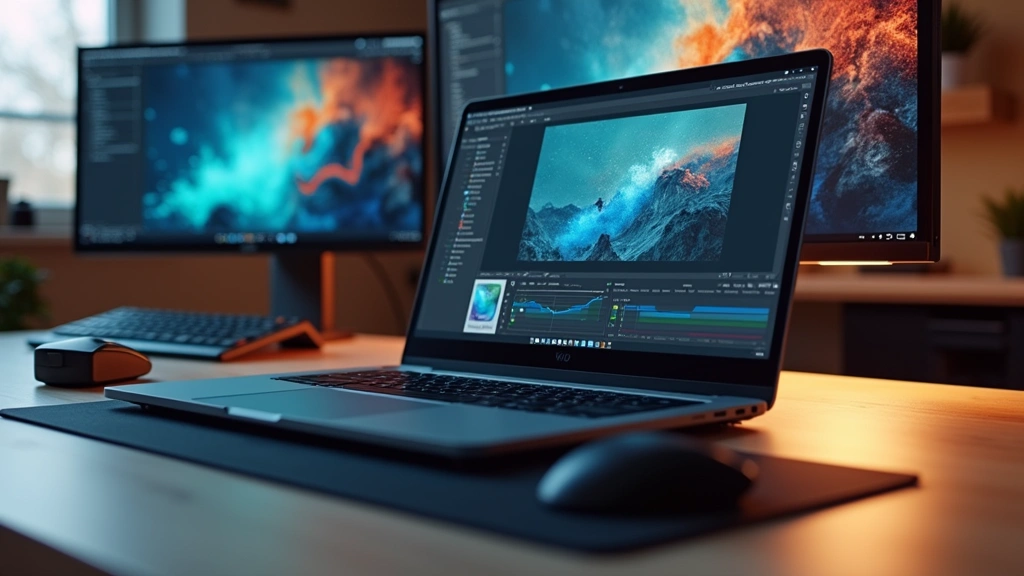
Artificial intelligence has become the most transformative force in modern creative technology. Unlike previous tool innovations that simply accelerated existing workflows, AI applications are fundamentally changing how creators approach their craft. Generative AI tools can now produce initial sketches, suggest color palettes, enhance image quality, and even compose musical elements—all in seconds.
Platforms like Midjourney, DALL-E, and Stable Diffusion have democratized visual creation. What once required hours of manual work or specialized skills can now be initiated with a text prompt. However, this accessibility raises important questions about authenticity, copyright, and the role of human creativity. The most successful creative professionals aren’t abandoning traditional skills; instead, they’re leveraging AI as a collaborative partner that handles repetitive tasks while they focus on conceptual direction and refinement.
Beyond image generation, AI enhances existing creative tools. Adobe’s Firefly integration brings generative capabilities directly into Photoshop and Illustrator, allowing seamless workflow integration. Adobe’s generative AI features enable background removal, object insertion, and style transfer without leaving the familiar creative environment. Similarly, music production has been revolutionized with AI-assisted composition, mastering, and sound design tools that learn from your preferences.
The key advantage of AI in creative tools is speed without sacrificing quality. A graphic designer can generate dozens of layout variations in minutes, then spend their creative energy selecting and refining the strongest concepts. This shifts the creative professional’s role from execution to curation and innovation—arguably more fulfilling and valuable work.
Digital Design Platforms and Software Revolution
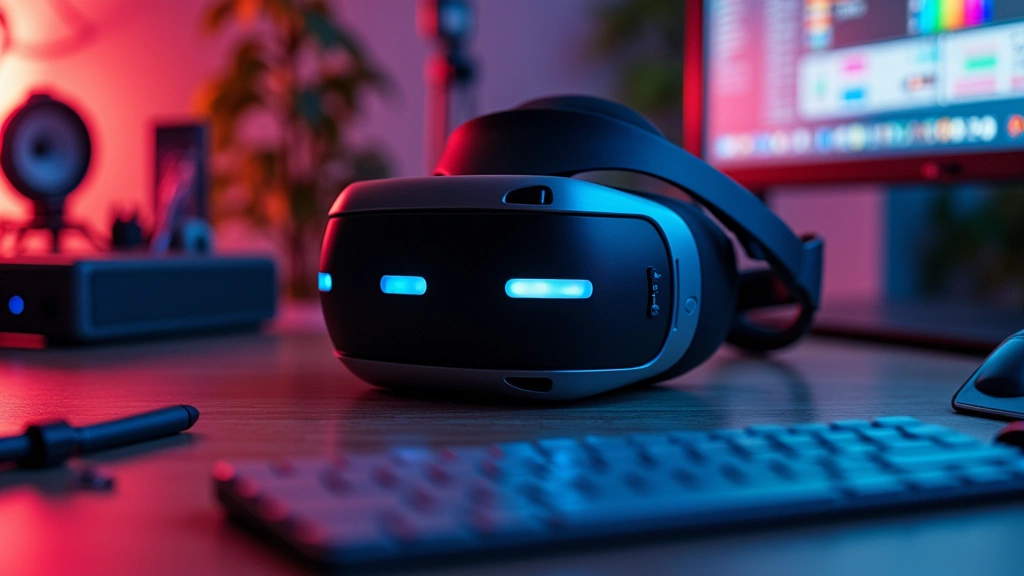
The software landscape for creators has exploded with options catering to every skill level and budget. Cloud-based platforms like Figma, Canva, and Adobe Creative Cloud have made professional design tools accessible from any device, anywhere in the world. This accessibility has fundamentally changed how creative teams collaborate and how individual creators build their portfolios.
Figma represents a paradigm shift in collaborative design. Unlike traditional desktop applications, Figma operates in the browser, allowing multiple designers to work simultaneously on the same project. Version control, commenting, and real-time collaboration eliminate the friction that plagued previous design workflows. For teams distributed across time zones, this capability is invaluable. The platform also introduced design systems and component libraries, enabling consistency across large projects.
For digital illustration, Clip Studio Paint and Procreate have become industry standards, offering sophisticated tools specifically optimized for digital artists. These applications combine powerful brushes, layer systems, and animation capabilities with intuitive interfaces. Procreate, exclusive to iPad, has proven that tablet-based creation can rival desktop-based workflows, particularly for illustrators and concept artists.
Video editing has similarly evolved. DaVinci Resolve, available in a free tier, offers color grading, editing, and effects capabilities that rival software costing thousands of dollars. This democratization means aspiring video creators don’t need massive budgets to produce professional-quality content. DaVinci Resolve’s comprehensive feature set includes professional-grade color correction, fusion compositing, and Fairlight audio post-production.
The shift toward subscription-based models has advantages and disadvantages. Monthly costs are lower entry barriers than thousand-dollar perpetual licenses, but ongoing expenses add up. Many creators now use hybrid approaches—free tools for initial concepts, paid software for professional deliverables, and specialized tools for specific tasks.
Hardware Requirements for Modern Creators
While software innovations capture headlines, hardware remains critical for creative professionals. The performance demands of modern creative work—4K video editing, 3D rendering, AI processing—require substantial computing power. Understanding hardware needs helps creators make informed investments that actually enhance their creative output.
Modern laptops for creative professionals require specific specifications beyond standard consumer needs. Processors matter—Apple’s M-series chips and Intel’s latest Core i9 processors deliver the multi-threaded performance necessary for rendering and processing. RAM is equally critical; 32GB is now considered minimum for serious creative work, with 64GB becoming standard for professionals handling complex projects. GPU power determines performance in applications leveraging graphics acceleration, making dedicated graphics cards essential for video editors and 3D artists.
Storage considerations have evolved significantly. Traditional hard drives are inadequate for creative workflows; NVMe SSDs are now essential for both system drives and working storage. Creative professionals often maintain tiered storage strategies: fast NVMe for active projects, secondary SSDs for recent archives, and external drives or cloud storage for long-term backup. Upgrading laptop memory and storage can extend hardware lifespan and significantly improve creative performance.
Displays deserve special attention. Color accuracy is non-negotiable for designers and photographers. Investing in a calibrated monitor with wide color gamut—ideally covering 99% Adobe RGB—prevents color shifts between creation and final output. High refresh rate displays (120Hz+) benefit video editors and animators by providing smoother playback during editing. Resolution matters too; 4K displays are increasingly standard for creative work, though ergonomics and viewing distance should guide specific choices.
Input devices have evolved beyond mice. Graphics tablets and stylus-enabled displays enable natural interaction for digital artists. iPad with Apple Pencil represents an entire category—powerful enough for serious creative work yet portable enough for on-location work. For professionals, Wacom tablets offer pressure sensitivity and customizable buttons that accelerate workflows.
Virtual Reality and Immersive Art Experiences
Virtual reality represents the frontier of immersive creative experiences. While VR adoption among mainstream audiences remains moderate, professional creative applications are expanding rapidly. VR sculpting applications like Gravity Sketch and Adobe Medium allow artists to create three-dimensional forms in intuitive, natural ways that traditional 3D software can’t match.
The creative possibilities of VR extend beyond individual creation. Immersive art installations using VR technology are transforming museum experiences and commercial spaces. Artists can create entire worlds that audiences explore and interact with, creating emotional connections impossible in traditional media. This opens entirely new career paths for creative professionals willing to master VR development tools.
VR also democratizes design reviews and client presentations. Instead of flat renderings, architects, product designers, and interior designers can walk clients through realistic, immersive environments before construction begins. This capability reduces revision cycles and client dissatisfaction, ultimately saving time and money while improving outcomes.
The technical barrier to VR creation is lowering. Game engines like Unreal Engine and Unity provide accessible pathways for creators to develop immersive experiences. Free tiers enable learning without financial commitment, democratizing access to tools previously available only to large studios.
Collaboration Tools Reshaping Creative Teams
Remote creative work has become normalized, driven by necessity during pandemic lockdowns but sustained by genuine advantages. Collaboration tools have evolved to support distributed creative teams effectively. Beyond video conferencing, specialized tools enable creative collaboration that feels almost as natural as in-person teamwork.
Project management platforms like Asana, Monday.com, and Notion help creative teams organize workflows, track deliverables, and maintain communication. These tools integrate with creative software, allowing asset uploads, approvals, and feedback without context switching. For large teams managing multiple projects, this integration dramatically improves efficiency.
Real-time collaboration in creative tools has become expected. Figma’s simultaneous editing, Google Workspace’s collaborative documents, and cloud-based project management enable seamless teamwork. Comments and version history prevent miscommunication and allow reverting to previous iterations without friction.
File sharing and backup solutions have evolved from email attachments to intelligent cloud systems. Services like Frame.io specifically target video collaboration, allowing frame-accurate feedback directly on video clips. This precision eliminates ambiguity that text-based feedback often creates. For other creative disciplines, similar specialized tools continue emerging.
The Business of Art Tech Innovation
The art tech market represents one of the fastest-growing segments in software and hardware industries. Venture capital investment in creative technology startups has accelerated dramatically, recognizing the market’s potential. Established tech companies—Adobe, Autodesk, Autodesk, and Microsoft—are aggressively acquiring creative startups and integrating AI capabilities into their platforms.
This investment creates a virtuous cycle: funding enables rapid development, new features attract users, and growing user bases justify continued investment. However, it also creates consolidation risks. When dominant platforms acquire promising startups, innovation sometimes slows as products integrate into larger ecosystems.
Pricing models have shifted notably. Subscription-based software dominates, though this creates sustainability concerns for individual creators. Adobe’s Creative Cloud subscription costs add up to hundreds annually—manageable for professionals but potentially prohibitive for students and hobbyists. Exploring diverse technology topics reveals how pricing strategies impact adoption across different user segments.
The emergence of open-source creative tools—GIMP, Blender, Krita, Inkscape—provides alternatives to commercial software. While these tools sometimes lack cutting-edge features, they offer powerful capabilities without subscription costs. Their continued development, often community-driven, ensures creative professionals always have options.
Sustainability and environmental impact increasingly concern creative professionals. Data center energy consumption for cloud-based tools, hardware manufacturing waste, and supply chain impacts are becoming decision factors for conscious creators. Companies addressing these concerns through renewable energy commitments and sustainable practices gain competitive advantages.
The convergence of art and tech has also created new career opportunities. AI trainers, prompt engineers, and creative technologists represent entirely new professional categories. These roles require hybrid skills—understanding both creative principles and technical implementation—and command competitive salaries in the job market.
FAQ
What hardware specifications do I need for digital art creation?
Minimum specifications include a processor with at least 8 cores, 16GB RAM (32GB recommended), dedicated GPU, and an SSD for storage. For professional work, upgrade to 32-64GB RAM, high-end GPU, and calibrated color-accurate display. Specific needs depend on your software and project complexity.
Is AI replacing human artists?
AI is augmenting rather than replacing artists. The most successful creative professionals leverage AI for efficiency while applying human judgment, emotion, and conceptual thinking. AI handles technical execution; humans provide vision and meaning. The future favors those combining both.
Which software should beginners start with?
Start with free options like Canva for design, GIMP for photo editing, or Blender for 3D. These tools teach fundamental concepts without financial commitment. As skills develop, evaluate paid options based on specific needs and budget.
How important is cloud storage for creative work?
Cloud storage is essential for backup, version control, and collaboration. However, maintain local copies for active projects due to latency concerns. Use tiered storage: fast local SSD for work, cloud for backup and archival, external drives for long-term storage.
Can I create professional work on a tablet?
Absolutely. Modern tablets with stylus input and powerful processors rival desktop capabilities for many creative disciplines. iPad with Procreate, for example, enables professional-grade illustration. Choose based on your specific discipline and workflow preferences.
What’s the learning curve for VR creation tools?
VR creation tools vary in complexity. Beginner-friendly options like Gravity Sketch have shallow learning curves. Game engines like Unity require more investment but offer unlimited possibilities. Start with specialized VR tools, then advance to engines as skills develop.


