Top Gadgets for Georgia Tech Students: Expert Picks
Georgia Tech students face unique academic demands that require specialized technology. From engineering simulations to collaborative projects, the right gadgets can transform your academic performance and campus life. We’ve curated the ultimate tech buying guide specifically for Tech students, covering everything from powerful laptops to portable chargers that survive late-night study sessions.
Whether you’re tackling thermodynamics, building robotics projects, or managing a demanding course load, having reliable technology isn’t a luxury—it’s essential. This comprehensive guide breaks down the must-have gadgets that will streamline your workflow, boost productivity, and ensure you stay connected throughout your Georgia Tech journey.
Laptops and Workstations for Engineering Excellence
The foundation of any Georgia Tech student’s tech arsenal is a capable laptop. Engineering coursework demands processors that handle CAD software, simulation tools, and MATLAB without breaking a sweat. Our best laptops for students guide provides detailed recommendations, but Tech students specifically need machines with robust processing power.
For engineering majors, we recommend laptops featuring Intel Core i7 or AMD Ryzen 7 processors with at least 16GB of RAM. The Dell XPS 15 remains a top choice for engineering students, offering excellent thermal management during intensive workloads. The MacBook Pro M3 Max is equally capable for students willing to work within the Apple ecosystem, providing exceptional performance for computing-intensive tasks.
Consider the ASUS ROG Zephyrus G16 if you need gaming capability alongside engineering applications. Its RTX 4080 GPU accelerates rendering tasks in CAD software while maintaining excellent battery life. Storage is critical—opt for at least 512GB SSD, though 1TB is preferable for managing large project files and simulations.
Battery life matters when you’re moving between classes at a sprawling campus. Look for laptops offering 8+ hours of real-world usage. The Lenovo ThinkPad X1 Carbon combines durability, performance, and portability—ideal for students carrying equipment between the library, labs, and residence halls.
External Displays and Ergonomic Peripherals
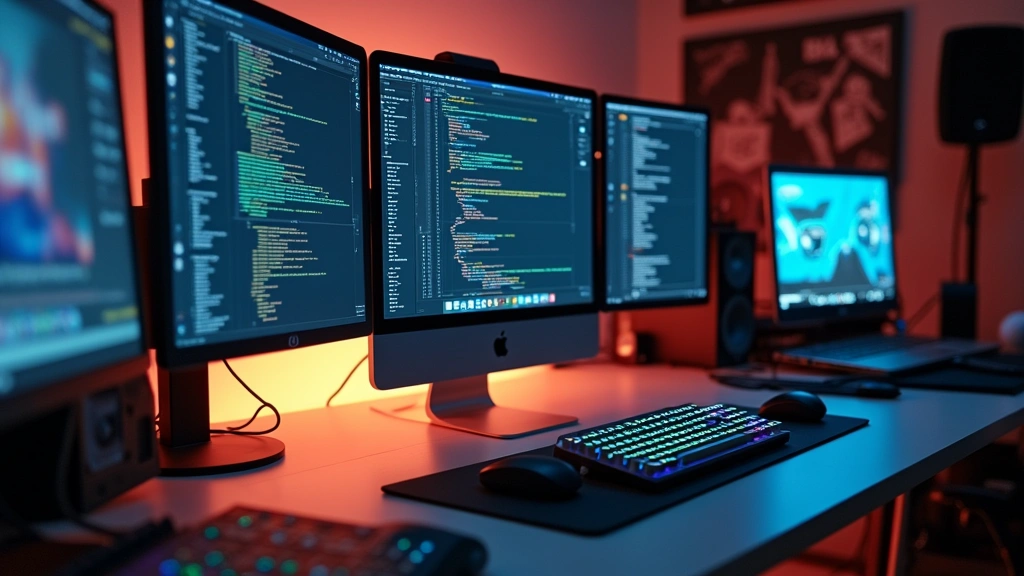
Georgia Tech students benefit immensely from external display setups, especially those working on design projects, coding assignments, or data analysis. A 27-inch 4K monitor like the Dell P2723DE provides crisp visuals for detailed engineering drawings while maintaining excellent color accuracy for design work.
The laptop upgrade process becomes easier when you have a stationary workstation. Create a docking station setup in your dorm or apartment with a USB-C hub that supports multiple displays. The CalDigit TS4 Thunderbolt dock offers 15 ports, allowing you to connect external storage, displays, and peripherals simultaneously.
Ergonomic peripherals prevent repetitive strain injuries during long study sessions. Invest in a mechanical keyboard—the Keychron K8 Pro offers quiet switches perfect for library studying, while the Corsair K95 Platinum provides programmable keys for complex software shortcuts. Pair this with a vertical mouse like the Logitech MX Vertical, which reduces wrist strain during extended computing sessions.
A quality monitor arm ensures proper screen positioning, reducing neck strain. The Ergotron LX improves posture and creates valuable desk real estate. These investments in ergonomics pay dividends over four years of intensive academic work.

Mobile Devices and Tablets for On-Campus Productivity
Your smartphone is your constant companion at Georgia Tech. The iPhone 15 Pro or Samsung Galaxy S24 Ultra both offer excellent cameras for documenting lab work and project progress. These devices handle the demanding Georgia Tech student portal, email management, and collaborative apps seamlessly.
Tablets enhance your note-taking experience significantly. The iPad Pro 12.9-inch with Apple Pencil enables digital note-taking that syncs across devices. The Notability or GoodNotes apps transform handwritten notes into searchable documents—invaluable when reviewing material before exams. Students in architecture or design programs particularly benefit from the iPad’s drawing capabilities.
For Android users, the Samsung Galaxy Tab S9 Ultra offers a large display with S Pen support, delivering similar functionality at a competitive price point. The larger screen accommodates multiple windows simultaneously, useful for referencing textbooks while completing assignments.
Consider a basic e-reader like the Amazon Kindle Paperwhite for textbook reading. E-ink displays reduce eye strain during extended reading sessions and offer impressive battery life—critical when your schedule doesn’t permit frequent charging.
Audio Accessories for Focus and Collaboration
Quality audio equipment transforms your study environment and enables effective collaboration. Noise-cancelling headphones create focus zones in busy libraries or dormitories. The Sony WH-1000XM5 headphones deliver industry-leading noise cancellation, allowing deep concentration despite surrounding activity. Battery life exceeds 30 hours, outlasting most study marathons.
For students preferring earbuds, the Apple AirPods Pro (2nd generation) or Sony WF-1000XM5 offer excellent active noise cancellation in compact form. These work seamlessly with your phone and laptop, making transitions between study locations effortless.
A quality microphone elevates your online collaboration and recording capability. The Blue Yeti USB microphone captures crystal-clear audio for group project recordings and presentations. The Rode NT-SF1 offers professional-grade sound for students creating content or recording tutorials.
Wireless speakers enable group study sessions and casual entertainment. The Sonos Move 2 combines portability with impressive sound quality, perfect for dorm rooms or outdoor campus gatherings. Its battery lasts up to 11 hours, supporting all-day campus activities.
Power Solutions and Charging Infrastructure
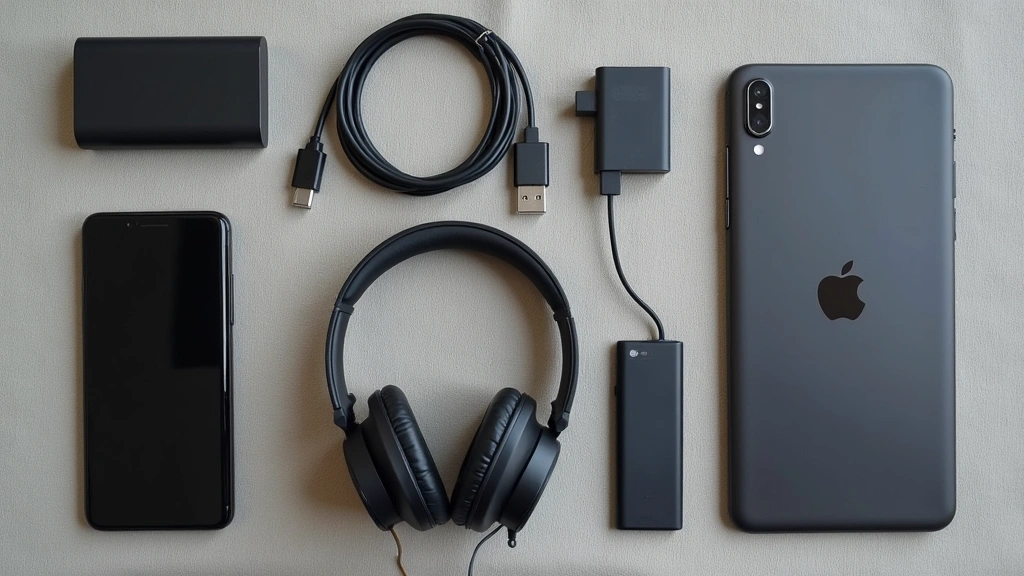
Reliable power management is essential on a sprawling campus. Invest in high-capacity power banks that charge multiple devices simultaneously. The Anker 737 Power Bank (PowerCore Stack) delivers 55,000mAh capacity with multiple USB-C and USB-A ports, keeping your devices charged through extended campus days.
Wall chargers with multiple ports reduce cable clutter in your study space. The Belkin BoostCharge Pro 140W charging station handles laptops, phones, and tablets from a single outlet. This consolidation simplifies power management and reduces the number of cables you carry.
USB-C charging dominates modern devices, so prioritize chargers with USB-C Power Delivery support. The Anker 100W USB-C charger powers most laptops while maintaining compatibility with phones and tablets. Keep multiple chargers strategically positioned—one in your backpack, one in your dorm, one in the library lounge.
Solar charging options provide backup power during outdoor study sessions. The Goal Zero Nomad 20 solar panel charges devices without requiring electrical outlets, useful for campus outdoor spaces and field study activities.
External Storage and Backup Solutions
Engineering projects generate massive files that quickly consume internal storage. External SSDs protect your work and provide backup redundancy. The Samsung T7 Shield offers 2TB capacity in a rugged form factor, surviving the drops and bumps of student life. Its 1050MB/s read speed handles large file transfers efficiently.
Cloud storage complements physical backups perfectly. Subscribe to OneDrive or Google Drive for automatic synchronization across devices. These services provide version history, enabling recovery of accidentally deleted files and previous project versions.
Network-attached storage (NAS) systems create centralized backup repositories for your entire tech setup. The Synology DS220+ offers two-bay redundancy, ensuring data survives single drive failures. This investment protects years of coursework and projects.
Flash drives remain useful for quick file transfers between campus computers. The Kingston DataTraveler Exodia offers reliable performance at modest cost. Keep one in your backpack for emergency file access.
Study Tools and Productivity Accessories
Document scanners digitize textbooks and handwritten notes. The Fujitsu ScanSnap iX1500 scans documents at impressive speeds, converting physical materials into searchable PDFs. This proves invaluable for building a digital library of course materials.
Lighting significantly impacts study effectiveness and eye health. The BenQ e-Reading Lamp uses advanced optics to reduce eye strain during extended study sessions. Its adjustable color temperature accommodates different times of day and activity types.
Desk organizers and cable management systems create productive study environments. The Autonomous SmartDesk electric standing desk enables posture variation, reducing fatigue during long work sessions. The desk’s memory presets save your preferred heights, enabling quick adjustments.
Time management gadgets help structure your demanding schedule. The Pomodoro timer apps work excellently, but physical timers like the Time Timer provide tactile feedback. The Opal blocking device restricts smartphone access during focused work sessions, eliminating digital distractions.
Visit our technology news updates for the latest productivity tool recommendations and student-focused tech releases throughout the academic year.
FAQ
What laptop specifications do Georgia Tech engineering students need?
Georgia Tech engineering students require laptops with Intel Core i7/AMD Ryzen 7 processors, 16GB+ RAM, and dedicated graphics for CAD software. The latest laptop reviews from The Verge provide detailed performance benchmarks. Look for machines handling MATLAB, Ansys, and AutoCAD smoothly. Thermal management matters—engineering workloads generate significant heat.
Are tablets necessary for Georgia Tech students?
Tablets enhance note-taking and reference capabilities but aren’t mandatory. Students in design, architecture, and engineering graphics programs benefit most from iPad Pro models. Computer science and math majors may find traditional laptops sufficient. The investment makes sense if you prefer digital note-taking over traditional notebooks.
How much should I budget for a complete tech setup?
A comprehensive Georgia Tech student tech setup costs $2,500-$4,500. This includes a capable laptop ($1,200-$1,800), monitor ($300-$500), peripherals ($400-$600), audio equipment ($200-$400), and storage solutions ($300-$400). Prioritize the laptop first, then add peripherals as budget permits.
What power bank capacity do I need?
For all-day campus use, choose power banks offering 20,000-30,000mAh capacity, sufficient for 1-2 full phone charges. Engineering students with multiple devices benefit from 40,000mAh+ capacity. Check charging speeds—higher wattage chargers reduce recharge times significantly.
Should Georgia Tech students invest in backup storage systems?
Yes, absolutely. External SSDs provide essential redundancy for project files and coursework. Many students lose work to hard drive failures—a $100-$200 external drive investment prevents catastrophic data loss. Combine physical backups with cloud storage for comprehensive protection. Learn more about external hard drive options from CNET’s comprehensive reviews.
What audio equipment works best in dormitory environments?
Noise-cancelling headphones create personal focus zones in shared dorm spaces without disturbing roommates. Earbuds work well for mobile studying. Avoid external speakers in dorms—they disrupt others’ studying. Wireless options eliminate cable tangles in tight dorm rooms.
How does technology support sustainable campus living?
Georgia Tech emphasizes sustainability, and technology supports this mission. Solar chargers reduce electrical consumption, USB-C consolidates charging cables, and digital note-taking eliminates paper waste. Learn about renewable energy innovations that align with Tech’s sustainability goals.
What connectivity features matter most for Georgia Tech’s campus?
Ensure your devices support Wi-Fi 6E for optimal campus network performance. Bluetooth 5.3 enables seamless wireless connectivity across multiple devices. 5G cellular support provides backup connectivity when Wi-Fi experiences congestion during peak hours.


