Radiology Tech Gadgets: Essential Tools Ranked for Associate’s Degree Professionals
Pursuing an associate’s degree in radiology technology requires mastery of specialized equipment and software that extends far beyond traditional classroom learning. Today’s radiology technicians operate in a high-tech environment where precision imaging devices, diagnostic software, and clinical workstations form the backbone of patient care. Whether you’re preparing for certification exams, entering clinical rotations, or launching your career in medical imaging, understanding the essential gadgets and tools that define modern radiology practice is critical to your success.
The radiology technology field has evolved dramatically over the past decade, with digital imaging systems replacing film-based processes and artificial intelligence beginning to assist in diagnostic interpretation. For aspiring technicians pursuing their associate’s degree, staying current with these technological advances isn’t optional—it’s essential. This comprehensive guide ranks and reviews the most important gadgets, software platforms, and hardware solutions that radiology professionals rely on daily, helping you make informed decisions about which tools deserve your investment and attention.
Diagnostic Imaging Workstations and Display Systems
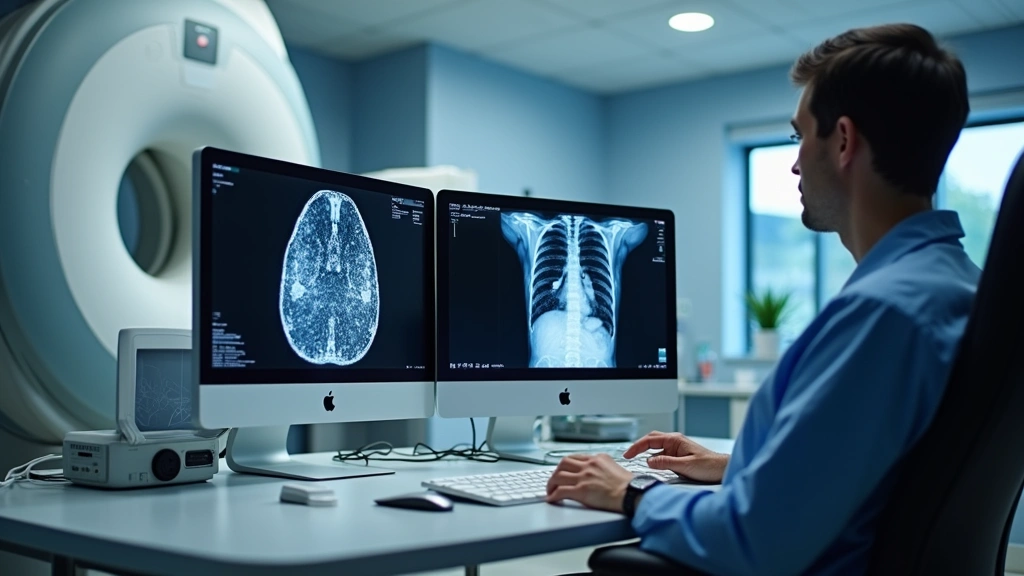
The foundation of any modern radiology department begins with high-performance diagnostic imaging workstations. These specialized computers are engineered specifically for medical imaging applications, featuring medical-grade monitors that meet strict DICOM calibration standards. For radiology technicians working toward their associate’s degree, understanding workstation architecture is fundamental because you’ll spend countless hours reviewing images, adjusting window/level settings, and preparing studies for radiologist interpretation.
Leading manufacturers like GE Healthcare and Philips Healthcare produce industry-standard imaging workstations that integrate seamlessly with Picture Archiving and Communication Systems (PACS). These systems typically feature dual or triple monitor setups with 3-megapixel to 6-megapixel displays calibrated to precisely render grayscale images across the full diagnostic range. The monitors themselves represent a significant investment—premium medical-grade displays can cost $3,000 to $8,000 each—but their superior color accuracy and minimal ambient light reflection are essential for accurate diagnostic interpretation.
When evaluating workstations for educational or clinical settings, look for systems supporting AI-assisted diagnostic capabilities that increasingly augment radiologist workflows. Modern workstations now integrate machine learning algorithms that flag potential abnormalities, calculate volumetric measurements, and provide quantitative analysis—skills that forward-thinking radiology technicians should understand to remain competitive in the field.
Portable Ultrasound Machines
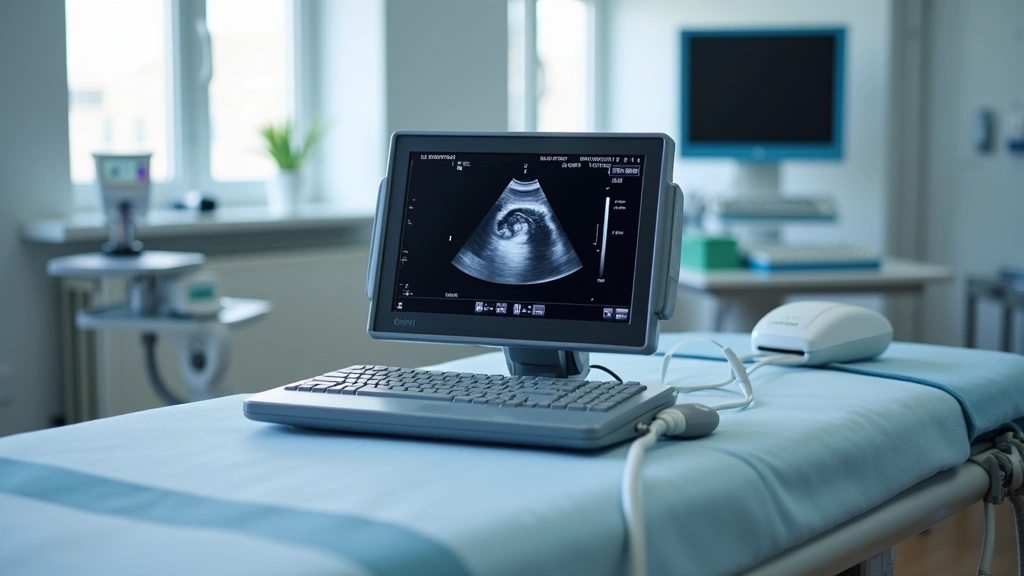
Portable ultrasound systems represent one of the most versatile and increasingly essential tools in modern radiology practice. Unlike traditional cart-based ultrasound machines, portable systems offer unprecedented flexibility, making them invaluable for point-of-care imaging, emergency departments, and field medical applications. For associate’s degree radiology technologists, mastering portable ultrasound technology opens doors to diverse clinical environments and specialized career paths.
Premium portable ultrasound devices like the Philips Lumify and GE Vscan Air feature compact form factors—some weighing less than two pounds—while delivering image quality comparable to full-sized systems. These devices connect via wireless technology to tablets or smartphones, enabling real-time image acquisition and immediate clinical decision-making. The learning curve for portable ultrasound differs from conventional systems, requiring technicians to understand ergonomics, probe manipulation techniques, and image optimization in diverse clinical settings.
Budget-conscious facilities often consider mid-range portable systems from manufacturers like Mindray and Chison, which deliver solid diagnostic capability at 40-60% lower price points than premium brands. For educational purposes and clinical training, these systems provide excellent platforms for developing fundamental sonography skills before advancing to specialized applications.
DICOM Viewers and Medical Imaging Software
Digital Imaging and Communications in Medicine (DICOM) viewers represent the software foundation upon which radiology technicians operate. These specialized applications allow viewing, manipulation, and analysis of medical images while maintaining strict compliance with healthcare data standards and patient privacy regulations. Understanding DICOM viewer functionality is absolutely essential for anyone pursuing an associate’s degree in radiology technology, as these platforms are your primary interface with diagnostic imaging data.
Industry-leading DICOM viewers like Weasis (open-source option) and proprietary solutions from PACS vendors offer varying feature sets depending on institutional needs and budgets. Advanced features typically include 3D volume rendering, multiplanar reconstruction, image fusion capabilities, and quantitative measurement tools. These functions enable technicians to prepare comprehensive image sets for radiologist review, often significantly impacting diagnostic accuracy and clinical efficiency.
The technical knowledge required to optimize DICOM workflows extends beyond basic image viewing. Technicians must understand image compression standards, metadata preservation, color space management, and quality assurance protocols. Many educational programs include dedicated coursework on DICOM standards, but practical experience using these tools in clinical settings is where true proficiency develops.
Dose Monitoring Devices
Radiation dose management has become an increasingly critical concern in radiology practice, with regulatory bodies and professional organizations emphasizing the importance of optimizing radiation exposure while maintaining diagnostic image quality. Dose monitoring devices and software solutions help technicians track cumulative patient radiation exposure and implement evidence-based dose reduction strategies.
Dose Area Product (DAP) meters and integrated dose monitoring systems track radiation output during fluoroscopic procedures and CT examinations. These devices provide real-time feedback that enables technicians to adjust technique factors, optimize collimation, and minimize unnecessary radiation exposure. For radiology technicians pursuing their associate’s degree, understanding dose optimization isn’t just a regulatory requirement—it’s a fundamental professional responsibility that directly impacts patient safety.
Software solutions like Philips DoseWatch and GE’s dose tracking systems integrate with imaging equipment to provide institution-wide dose reporting and trend analysis. These platforms enable quality improvement initiatives that can reduce collective patient dose by 15-30% without compromising diagnostic quality. Technicians who demonstrate proficiency with dose optimization tools become valuable assets to their departments and enhance their career prospects significantly.
Mobile Computing Solutions
The increasing adoption of mobile technology in healthcare has transformed how radiology technicians access information, communicate with colleagues, and manage workflow. Tablets and ruggedized mobile devices designed for clinical environments enable technicians to review images, access patient histories, document procedures, and collaborate with radiologists from virtually any location within the hospital.
When selecting mobile computing devices for healthcare applications, several factors distinguish clinical-grade solutions from consumer products. Ruggedized tablets designed for medical environments feature antimicrobial surfaces, enhanced durability, extended battery life, and secure operating systems compliant with HIPAA regulations. Devices like the Zebra ET80 and Panasonic Toughpad are specifically engineered for healthcare deployment, with features including drop protection, disinfectant-resistant screens, and integrated barcode scanning capabilities.
For radiology technicians pursuing an associate’s degree, understanding mobile device security and proper patient data handling is increasingly important. Many programs now include training on mobile health (mHealth) platforms, secure messaging systems, and cloud-based collaboration tools that enable technicians to participate in remote consultations and collaborative image review sessions.
Quality Assurance Tools
Quality assurance represents a non-negotiable component of professional radiology practice, with technicians responsible for monitoring equipment performance, verifying image quality, and identifying potential technical issues before they impact patient care. Specialized QA tools and test phantoms enable systematic evaluation of imaging system performance across multiple parameters.
Physicist-grade quality assurance tools include precision test phantoms for CT, fluoroscopy, ultrasound, and digital radiography systems. These devices contain reference standards and known measurements that allow technicians to verify geometric accuracy, contrast resolution, spatial resolution, and radiation output consistency. Annual QA protocols typically involve dozens of individual measurements and calculations—tasks that require understanding both the underlying physics and practical measurement techniques.
Digital imaging systems require ongoing quality monitoring through software tools that track system performance metrics, analyze historical trending data, and alert technicians to degradation patterns before diagnostic image quality becomes compromised. Familiarity with these QA processes demonstrates professional competency and positions technicians for advancement into supervisory or specialized roles.
Professional Development Resources
Beyond physical gadgets and equipment, successful radiology technicians invest in educational platforms and professional development resources that support continuing education and career advancement. The American Registry of Radiologic Technologists (ARRT) certification examination represents a critical milestone for anyone pursuing an associate’s degree in radiology technology, and specialized study platforms dramatically improve examination performance.
Online learning platforms dedicated to radiology education offer interactive modules, practice examinations, and case-based learning that complement traditional classroom instruction. These resources often incorporate cloud-based delivery systems enabling access from any device, anywhere, anytime. Platforms like ARRT’s official resources and third-party providers offer comprehensive examination preparation materials that have proven effective for improving certification success rates.
Professional membership organizations including the American Society of Radiologic Technologists (ASRT) provide access to continuing education credits, technical journals, networking opportunities, and career development resources. Many programs require or strongly encourage membership as part of professional development, and the investment typically pays dividends throughout a technician’s career through networking connections and access to specialized training opportunities.
The importance of staying current with evolving technology cannot be overstated. Radiology is a rapidly advancing field where new imaging modalities, software capabilities, and clinical applications emerge regularly. Technicians who commit to ongoing professional development through technology news resources and professional publications position themselves as leaders in their departments and enhance their value to employers significantly.
Investing in personal computing hardware that supports professional development is also worthwhile. A reliable laptop with adequate processing power enables efficient online learning, virtual continuing education participation, and access to professional resources from home. As radiology increasingly embraces remote consultation and virtual collaboration, having robust personal technology infrastructure becomes essential.
FAQ
What gadgets are essential for radiology technician students?
Essential gadgets include reliable laptops for coursework and DICOM viewer practice, tablets for accessing mobile learning resources, and quality headphones for video lectures. Many programs provide access to imaging workstations and equipment during clinical rotations, so personal investment in these items isn’t necessary initially. However, having your own computing devices for studying and completing assignments is highly recommended.
How much does diagnostic imaging equipment cost?
Costs vary dramatically by equipment type. Portable ultrasound machines range from $15,000 to $150,000+ depending on features and brand. Full diagnostic imaging workstations with medical-grade monitors cost $20,000 to $50,000 per setup. Healthcare facilities absorb these costs, but understanding pricing helps technicians appreciate equipment value and justify investments to administrators.
Is ARRT certification necessary for radiology technicians?
While requirements vary by state and employer, ARRT certification is considered the gold standard and is required by most major healthcare facilities. It demonstrates that you’ve met rigorous educational standards and passed comprehensive examinations covering physics, safety, and clinical competency. Most associate’s degree programs prepare students specifically for ARRT certification.
What’s the difference between DICOM and standard image formats?
DICOM is a specialized medical imaging standard that preserves diagnostic quality, embeds patient metadata, and ensures compatibility across different manufacturers’ equipment. Standard formats like JPEG or PNG compress images and lose medical information, making them unsuitable for diagnostic radiology. DICOM viewers are specifically designed to display and manipulate DICOM data while maintaining integrity.
How often is radiology equipment updated?
Major imaging systems typically have 8-12 year lifecycles, though software updates occur annually or more frequently. Portable systems and workstations may be refreshed every 5-7 years. Radiation dose monitoring and quality assurance tools evolve continuously as regulations and best practices change. Technicians should expect ongoing training as equipment and software updates occur throughout their careers.
Can I study radiology technology online?
While some theoretical components can be delivered online, radiology technology requires extensive hands-on clinical training that cannot be completed remotely. Most associate’s degree programs combine online coursework with in-person clinical rotations at affiliated hospitals. The clinical component is essential for developing the practical skills required for certification and professional practice.


