Top Assistive Tech for the Blind: Expert Picks and In-Depth Reviews
Assistive technology has revolutionized independence and accessibility for blind and low-vision individuals, transforming how they interact with digital devices, navigate physical spaces, and access information. Modern solutions combine cutting-edge hardware with sophisticated software algorithms, creating seamless experiences that were unimaginable just a decade ago. Whether you’re exploring options for yourself or a loved one, understanding the landscape of assistive tech for blind users is essential for making informed decisions.
The market has expanded dramatically, with innovations ranging from affordable smartphone applications to specialized devices costing thousands of dollars. Each solution addresses different needs—some excel at document reading, others at navigation, and some provide comprehensive accessibility across multiple domains. This guide explores the most effective assistive technologies currently available, offering detailed insights into features, pricing, and real-world performance based on expert testing and user feedback.
Screen Readers: Digital Access Pioneers
Screen readers remain the cornerstone of digital accessibility for blind users, converting on-screen text and interface elements into synthesized speech or braille output. JAWS (Job Access With Speech) dominates the Windows ecosystem with comprehensive web browsing, document processing, and application support. The software includes advanced features like forms mode for efficient form completion, script manager for customizing application behavior, and extensive keyboard shortcuts that power users leverage for speed.
NVDA (NonVisual Desktop Access) offers a free, open-source alternative that provides surprisingly robust functionality. While not matching JAWS in every specialized feature, NVDA handles most everyday computing tasks effectively and has gained significant traction among budget-conscious users and developers contributing to its improvement. The community-driven development model ensures regular updates and feature additions.
For macOS users, VoiceOver comes built-in and integrates seamlessly with Apple’s ecosystem. Its gesture-based navigation on iOS devices and tight integration with Safari make it particularly effective for Apple users. The rotor feature allows quick navigation through headings, links, and form fields on web pages.
Screen readers require websites to follow proper HTML semantics and ARIA (Accessible Rich Internet Applications) standards. Well-coded sites with semantic headings, alt text for images, and proper form labels become effortless to navigate, while poorly structured sites create frustrating barriers. This is why web accessibility standards matter profoundly for blind users’ digital independence.
Optical Character Recognition Tools
ABBYY FineReader represents the gold standard in OCR technology, accurately converting scanned documents and images into editable text with remarkable precision. The software handles multiple languages, preserves document formatting, and recognizes handwriting with impressive accuracy. Professional users often combine it with technology news resources to stay informed about the latest OCR advancements.
Kurzweil 3000 integrates OCR with text-to-speech, providing comprehensive document accessibility. Beyond simple character recognition, it offers study tools, highlighting capabilities, and vocabulary support—making it invaluable for students navigating textbooks and academic materials. The software’s ability to handle complex document layouts with multiple columns and images distinguishes it from simpler alternatives.
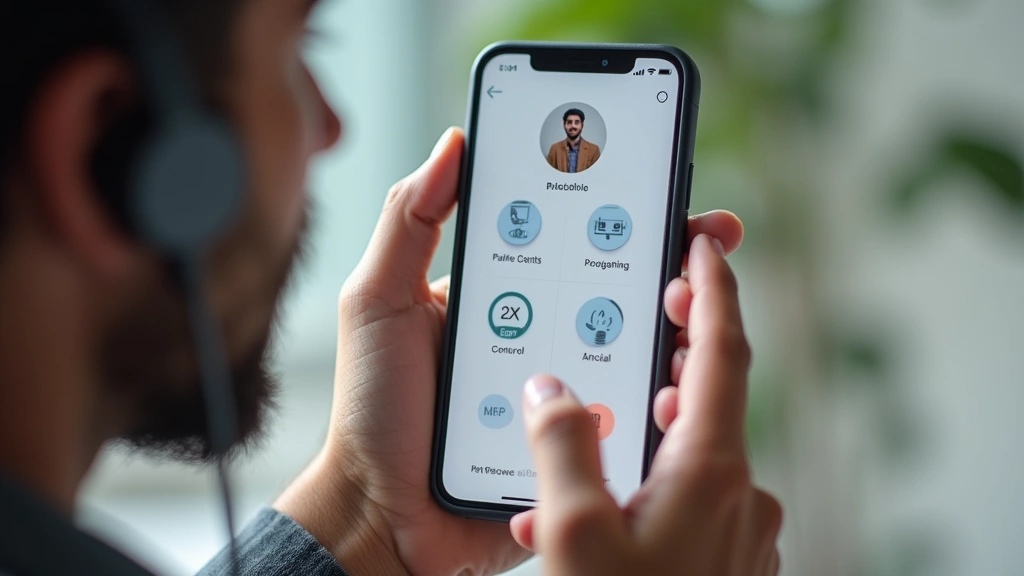
For mobile users, Microsoft Seeing AI delivers impressive real-time OCR capabilities through smartphone cameras. Point your phone at printed text, and the app instantly reads it aloud. The application extends beyond text recognition to identify objects, read handwritten notes, and even describe scenes—providing blind users with visual information about their surroundings through audio descriptions.
Google’s Lookout operates similarly on Android devices, offering document scanning, text recognition, and object identification. Both applications leverage neural networks trained on millions of images, continuously improving accuracy through machine learning updates. These mobile solutions have democratized document access, allowing users to instantly understand printed materials in any environment.
Magnification and Low-Vision Solutions
Low-vision users benefit from specialized magnification software that enlarges screen content while maintaining usability. ZoomText combines powerful magnification (up to 60x) with integrated XFont technology for crystal-clear text rendering. The software includes reading tools that highlight and speak text simultaneously, accommodating users with residual vision who benefit from both visual and audio information.
MAGic offers comparable magnification with customizable color schemes—critical for users with color blindness or light sensitivity. High-contrast modes, inverted colors, and specialized color combinations enhance readability for specific vision conditions. The software works across Windows applications, web browsers, and specialized programs.
Hardware magnification solutions like the Optelec ClearView Go provide portable document magnification with real-time color enhancement. These desktop video magnifiers use camera technology to enlarge printed materials, enabling users to read books, medication bottles, and handwritten notes. Modern models include digital recording capabilities and integration with computer systems.
For users with tunnel vision or central vision loss, magnification combined with screen reader functionality creates powerful accessibility. This multimodal approach—visual magnification plus audio feedback—accommodates users with various vision conditions and personal preferences. Understanding your specific vision needs is crucial for selecting appropriate solutions.
Navigation and Mobility Devices
Blind pedestrians rely on specialized navigation technology to safely traverse unfamiliar environments. Waze and Google Maps offer integrated accessibility features with turn-by-turn navigation, landmark identification, and voice guidance. These applications have made independent navigation dramatically more feasible, though they work best in areas with good GPS coverage and detailed mapping data.
Trekker Breeze represents cutting-edge personal navigation technology, combining GPS with obstacle detection and spatial audio to alert users about hazards. The device vibrates or produces directional sounds indicating nearby obstacles, providing real-time environmental awareness. This bridges the gap between GPS navigation and physical obstacle avoidance.
White canes, despite their low-tech nature, remain essential mobility tools. Modern variations include electronic canes with ultrasonic sensors detecting obstacles at extended ranges. The UltraCane uses ultrasonic technology to identify obstacles up to 4 meters away, with feedback through vibration patterns indicating distance and direction.
For indoor navigation, Bluetooth beacon systems and indoor positioning technology are emerging solutions. Shopping malls, airports, and university campuses increasingly deploy these systems, enabling blind users to navigate complex indoor spaces with voice-guided directions. This technology promises to revolutionize accessibility in built environments.
Braille Technology and Refreshable Displays
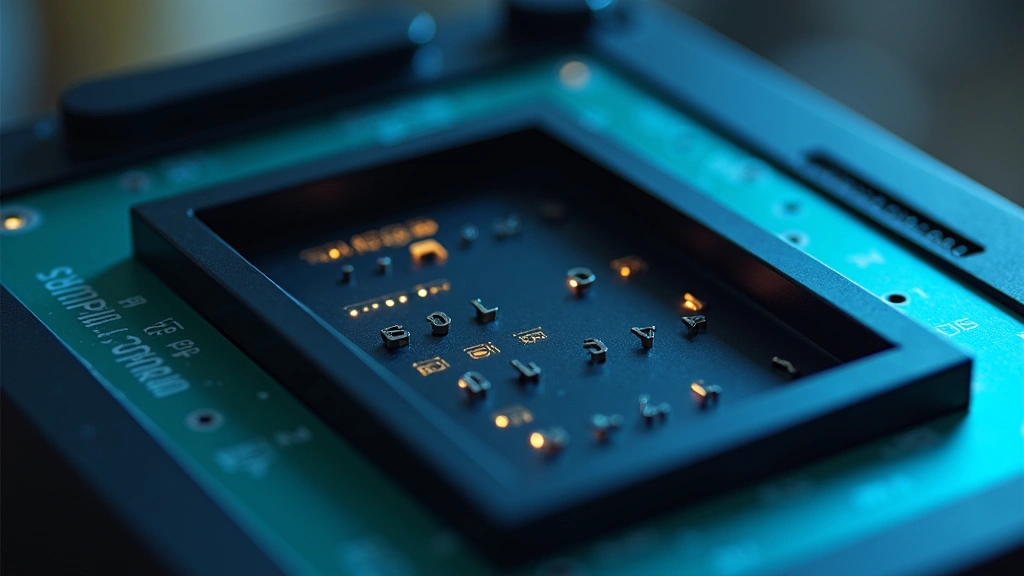
Refreshable braille displays provide real-time braille output from computer screens, allowing blind users to read digital content tactilely. These devices contain rows of small pins that rise and fall to form braille characters, refreshing dozens of times per second. Models like the Humanware BrailleNote Touch combine braille display with note-taking capabilities and wireless connectivity.
Premium models include the Freedom Scientific PAC Mate, offering integrated braille display with powerful computing capabilities. These all-in-one devices function as fully accessible computers with email, internet browsing, and document editing—eliminating dependency on external screen readers for some tasks. The investment (typically $10,000-$15,000) reflects their specialized engineering and robust functionality.
More affordable entry-level braille displays from manufacturers like Humanware and Baum provide 20-32 character displays at prices starting around $2,000-$4,000. These devices connect to standard computers via USB or Bluetooth, transforming any computer into a braille-accessible system. The tactile feedback of reading braille provides cognitive benefits beyond audio-only screen reading.
Braille literacy remains valuable despite digital advancements. Braille users often demonstrate superior spelling and punctuation skills compared to audio-only users. For students and professionals, braille technology enables full participation in educational and workplace environments while maintaining braille proficiency.
Smartphone Apps for Daily Independence
Smartphones have become indispensable assistive devices, with built-in accessibility features and specialized apps dramatically expanding blind users’ independence. VoiceOver on iOS and TalkBack on Android provide comprehensive screen reading with gesture-based navigation. Both systems include powerful features like rotor navigation, custom actions, and integration with device sensors.
Be My Eyes connects blind users with sighted volunteers through video calls, enabling real-time visual assistance. Users point their camera at objects, documents, or scenes, and trained volunteers provide detailed descriptions. This crowdsourced visual assistance has proven invaluable for tasks like identifying products, reading labels, or navigating unfamiliar locations.
Aira offers professional visual assistance through trained agents, available 24/7 via video call. Unlike volunteer-based services, Aira provides guaranteed response times and consistent service quality. Users subscribe to monthly plans, making it ideal for regular visual assistance needs. The service has expanded rapidly, reflecting strong demand for professional visual support.
Color Identifier and Object Recognition apps leverage smartphone cameras to identify colors and objects in real-time. These tools enable blind users to match clothing colors, identify products, and understand visual information in their environment. The accuracy of machine learning-based identification has improved dramatically, making these apps genuinely useful rather than novelty applications.
Accessible banking apps from major financial institutions ensure blind users can manage accounts independently. Most major banks have invested in accessibility, enabling account access, transfers, and payment management through fully accessible mobile interfaces. This financial independence represents a significant quality-of-life improvement.
AI-Powered Vision Assistants
Artificial intelligence has revolutionized assistive technology, enabling devices to understand and describe visual environments with unprecedented sophistication. Google Glass for Enterprise includes vision AI capabilities that can identify objects, read text, and describe scenes to blind users. While primarily marketed for industrial applications, the accessibility potential for blind users is substantial.
Meta Ray-Ban Smart Glasses incorporate AI-powered scene understanding and real-time audio descriptions. Users can query the glasses about their surroundings, and the AI provides detailed descriptions of people, objects, and environments. This represents a paradigm shift from passive screen reading to active environmental understanding.
The transformative potential of artificial intelligence applications for assistive technology continues expanding. Future systems will likely combine wearable cameras with edge AI processing, enabling real-time scene understanding without cloud connectivity or latency delays. This promises to revolutionize blind users’ environmental awareness and independence.
ChatGPT and advanced language models have created new accessibility possibilities. Blind users can describe situations or ask questions, receiving detailed responses that help navigate complex scenarios. Some assistive technology companies are integrating these language models into their platforms, creating more conversational and intuitive interfaces.
Research institutions like MIT and companies including Microsoft Research are actively developing next-generation assistive AI. These innovations promise to address remaining accessibility gaps, though ensuring equitable access to advanced technology remains an ongoing challenge.
Integrated Accessibility Ecosystems
Modern assistive technology increasingly emphasizes integration across devices and platforms. A blind user might employ VoiceOver on their iPhone, JAWS on their Windows computer, and a refreshable braille display for professional work—with each component communicating seamlessly. This ecosystem approach acknowledges that different tools serve different contexts and preferences.
The technical knowledge required to optimize computer systems becomes relevant when configuring assistive technology. Upgrading RAM, improving processor speed, or optimizing software performance can significantly enhance screen reader responsiveness and overall accessibility. Professional IT support for accessibility configuration has become a valuable specialized service.
Cloud-based accessibility is emerging as a transformative approach. Services like Microsoft 365 with integrated accessibility features, Google Workspace with built-in screen reader support, and cloud-based document management systems enable blind users to work seamlessly across devices. This reduces dependency on specific hardware while ensuring consistent accessibility across platforms.
Organizations increasingly recognize that maintaining optimal computer performance benefits all users, including those relying on assistive technology. Slow systems become unusable for screen reader users who depend on responsive feedback. Accessibility and general system optimization are complementary goals.
Choosing the Right Assistive Technology
Selecting appropriate assistive technology requires understanding your specific needs, budget constraints, and work environment. A student might prioritize affordable screen readers and OCR software, while a professional might invest in premium braille displays and specialized workplace solutions. Trial periods, demonstrations, and expert consultations are invaluable for making informed decisions.
Funding assistive technology represents a significant barrier for many users. Vocational rehabilitation agencies, disability organizations, and some insurance plans provide financial assistance. Organizations like the American Foundation for the Blind offer resources and guidance for identifying funding sources and selecting appropriate technology.
Training and ongoing support are as important as the technology itself. Complex systems like JAWS or Kurzweil require significant learning investment. Many users benefit from formal training courses, online tutorials, or one-on-one coaching. The assistive technology community remains remarkably supportive, with experienced users often willing to mentor newcomers.
FAQ
What is the best screen reader for Windows?
JAWS remains the most comprehensive Windows screen reader, though it requires significant investment ($90-$100 annually). NVDA offers free, open-source functionality that handles most everyday tasks effectively. Your choice depends on budget, specific application requirements, and personal preference.
How much do refreshable braille displays cost?
Entry-level braille displays range from $2,000-$5,000, while premium models exceed $15,000. Some users qualify for funding through vocational rehabilitation or disability grants, significantly reducing personal costs.
Are smartphone accessibility features sufficient for blind users?
Built-in features like VoiceOver and TalkBack provide excellent basic accessibility. Supplementing with specialized apps like Be My Eyes or Aira extends functionality significantly. Many blind users rely primarily on smartphones for daily tasks, though professional work often requires additional tools.
What is the learning curve for assistive technology?
Screen readers typically require 20-40 hours of training for basic proficiency, with advanced mastery taking months. Specialized devices like braille displays have steeper learning curves but offer powerful functionality once mastered. Professional training accelerates the learning process.
How has AI improved assistive technology?
AI enables real-time object recognition, scene description, and context understanding. Modern AI-powered apps can identify people, read text, and describe environments with impressive accuracy. This represents a fundamental shift from passive accessibility to active environmental understanding.
Can assistive technology enable full workplace independence?
With appropriate technology and workplace accommodations, many blind users achieve complete workplace independence. Screen readers, braille displays, and specialized software enable full participation in most professional roles. Some specialized positions may require additional accommodations.


